







Describe it. Treform models it. Connect it to the design app you already use.
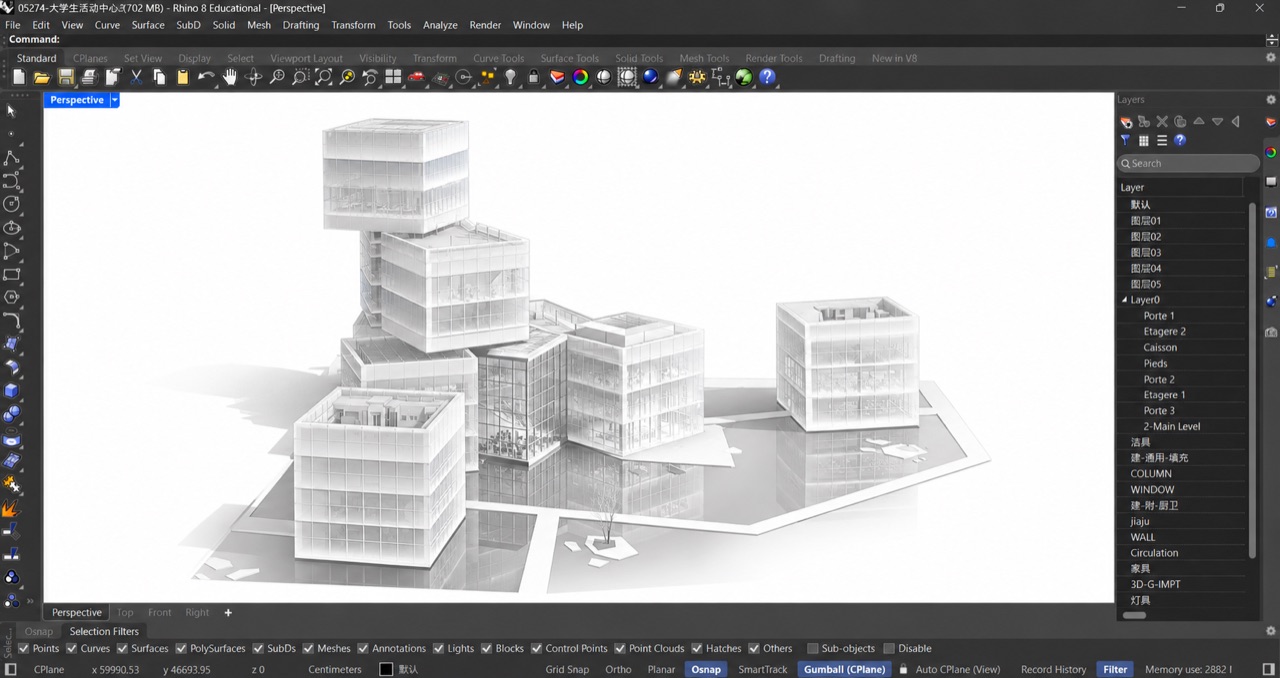
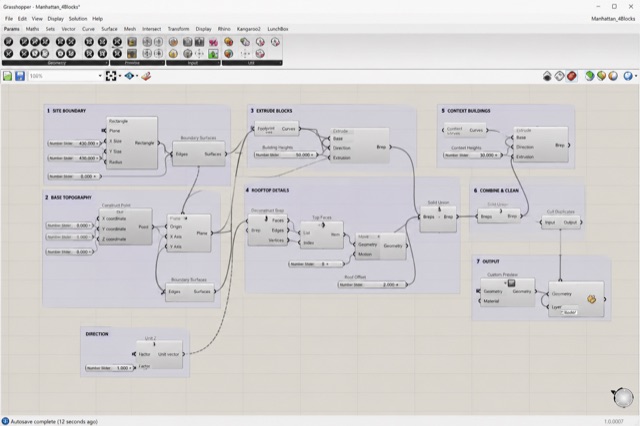
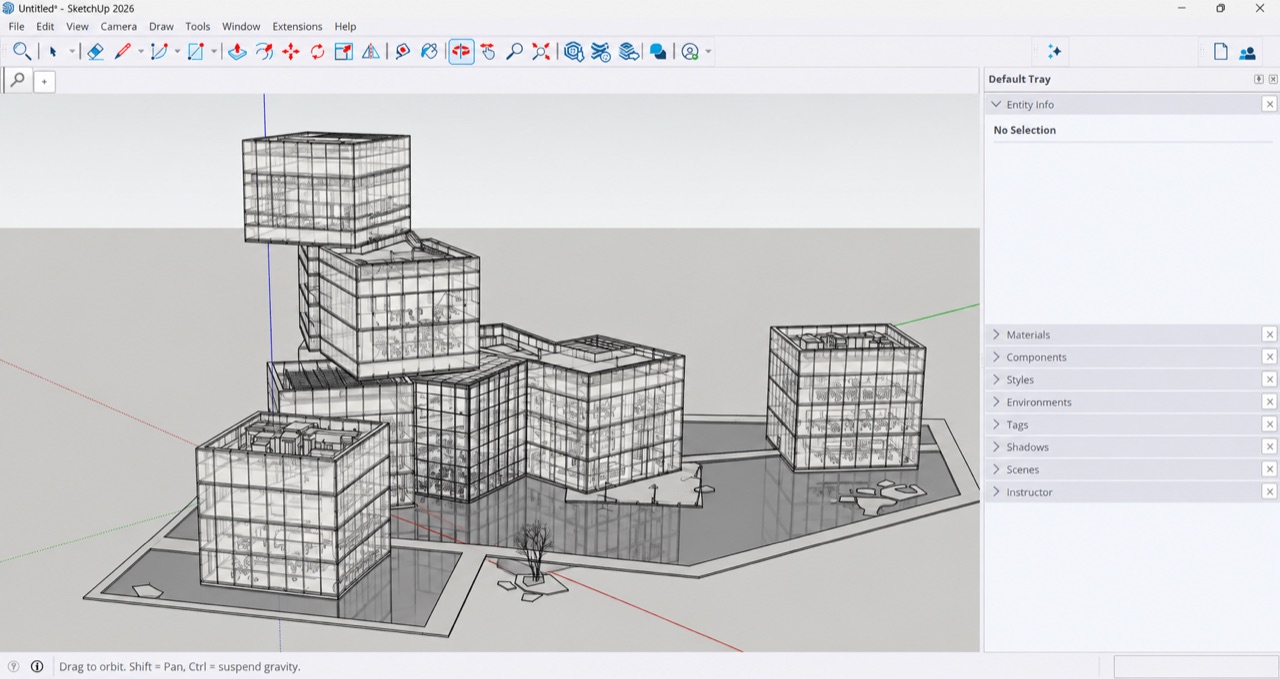
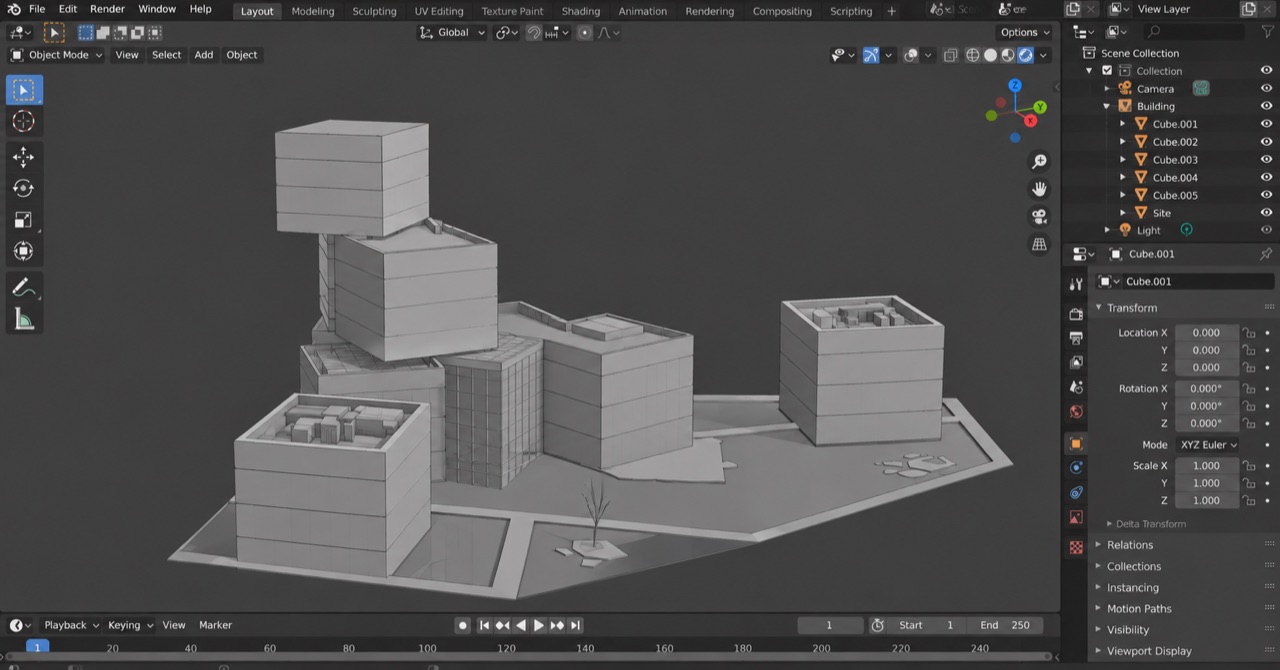
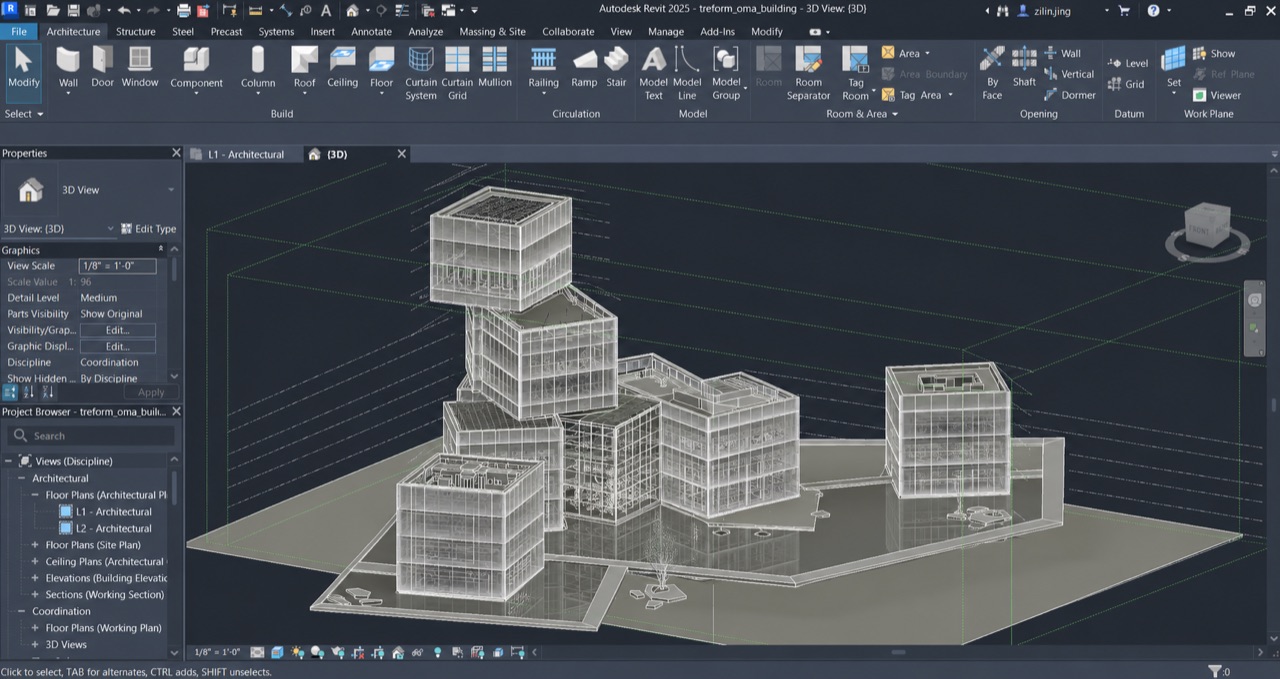
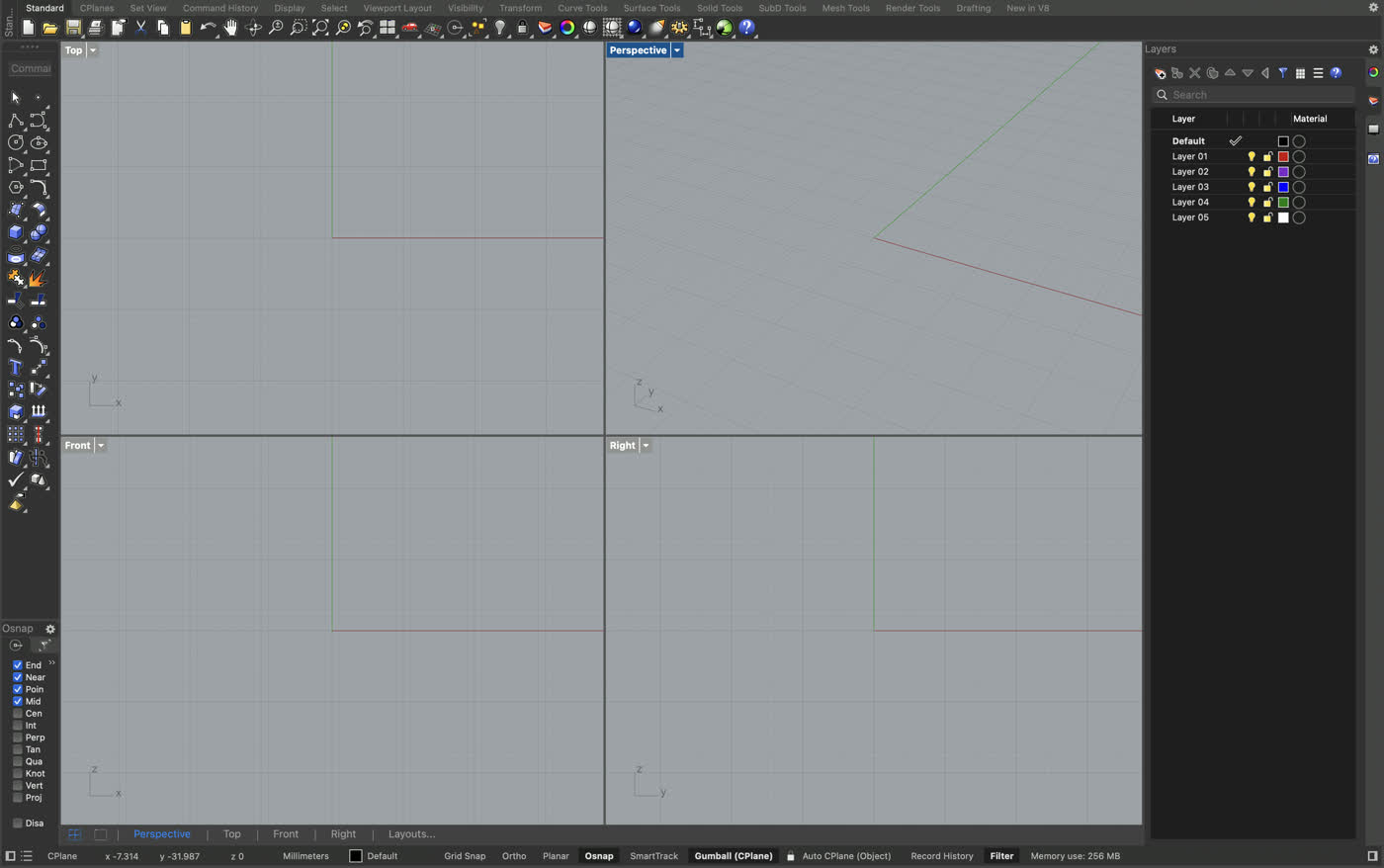
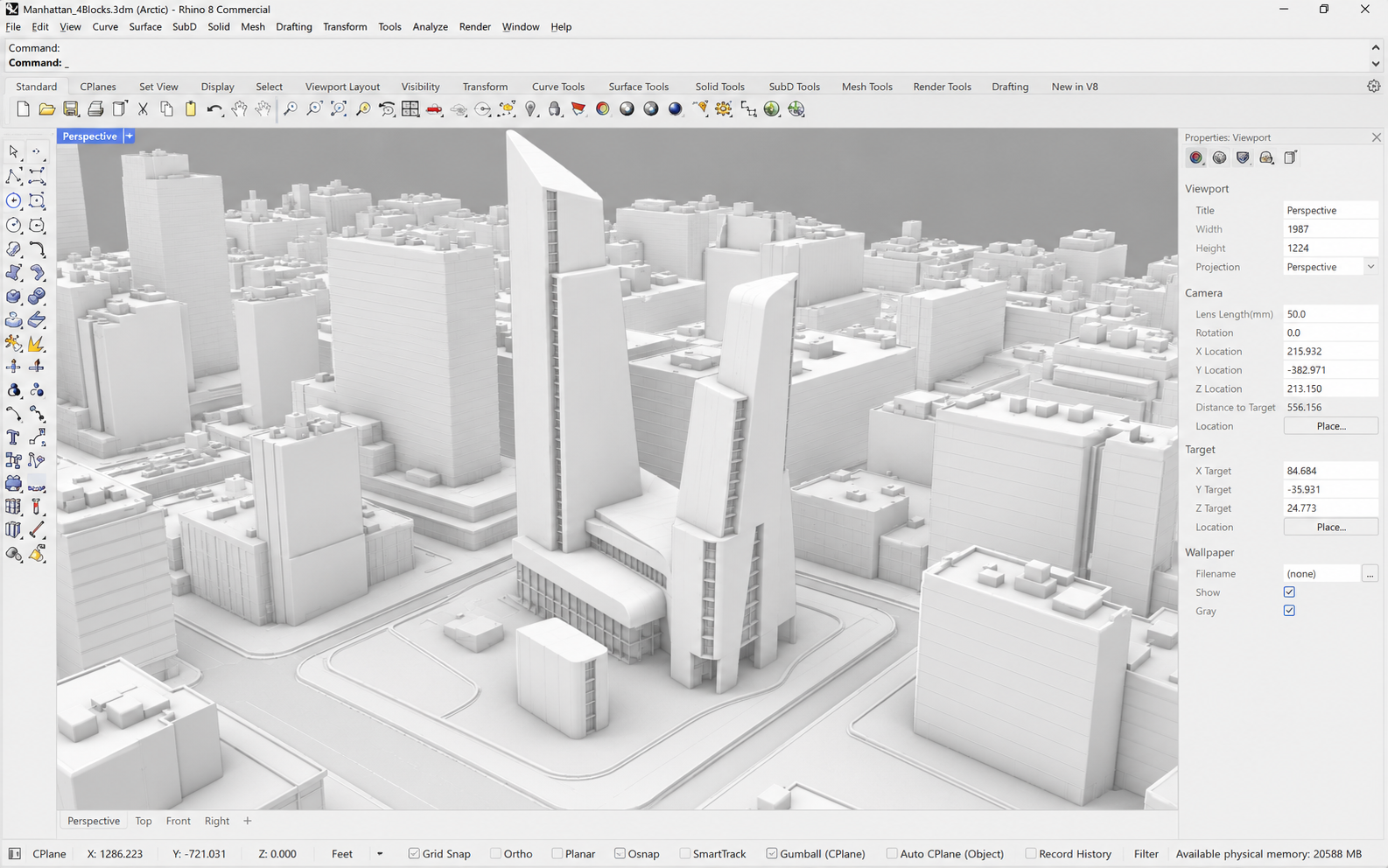
Install the Treform plugin once and it shows up inside Rhino, Grasshopper, SketchUp, Revit, Blender, and AutoCAD. No file exports, no copy-pasting.
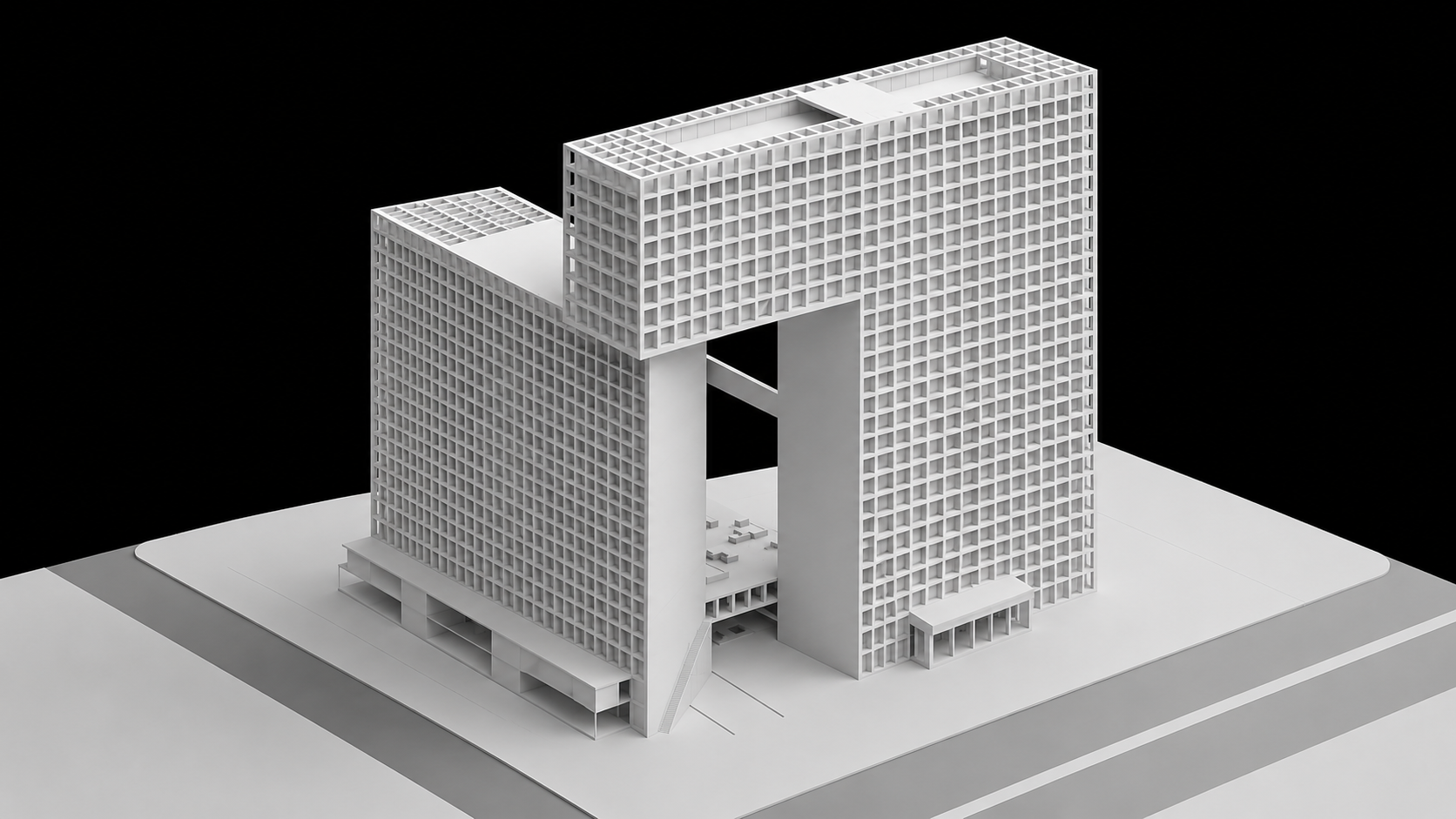
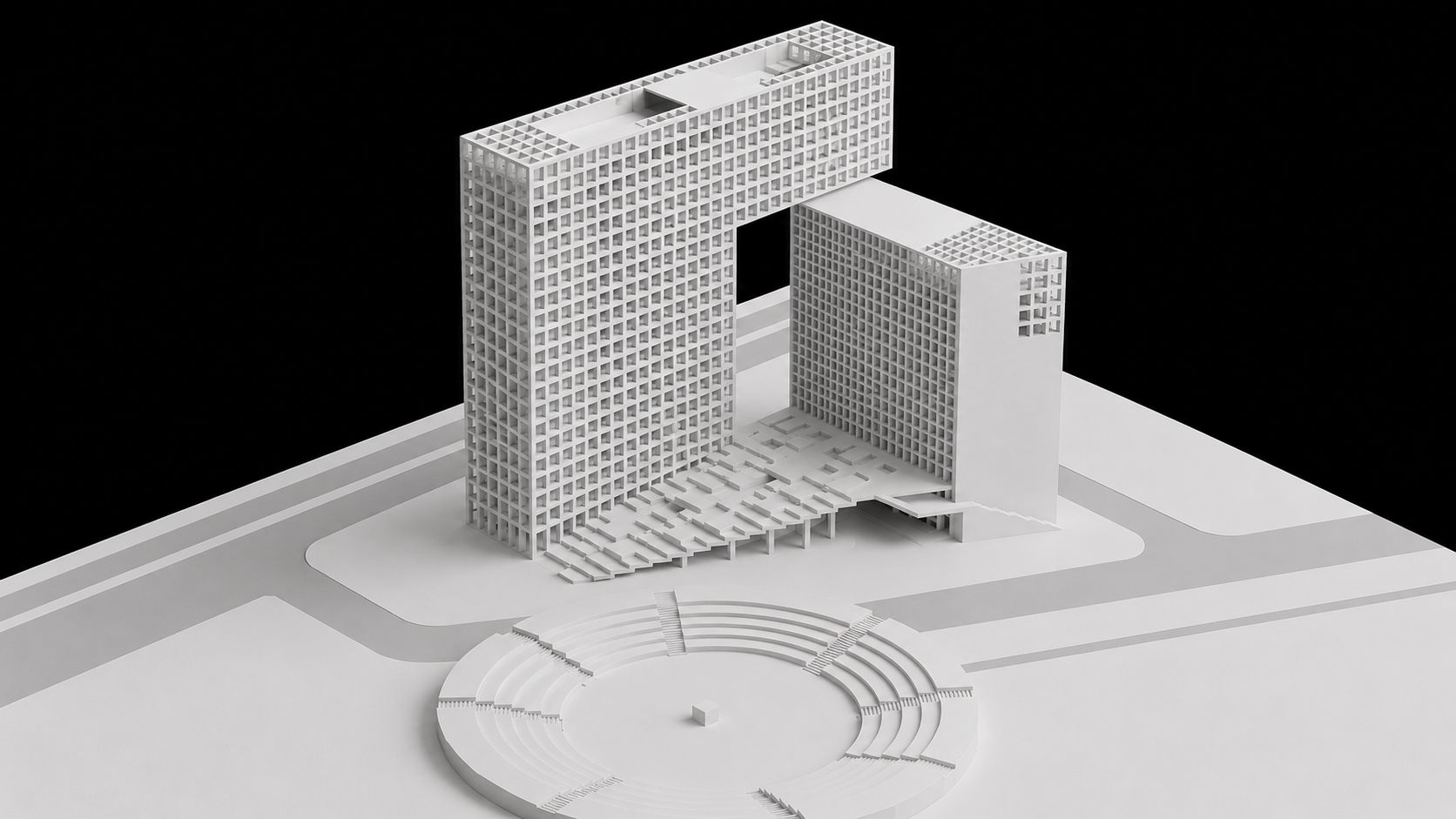
Describe what you want, or drop a reference photo. Treform generates editable 3D massing in seconds, either way.
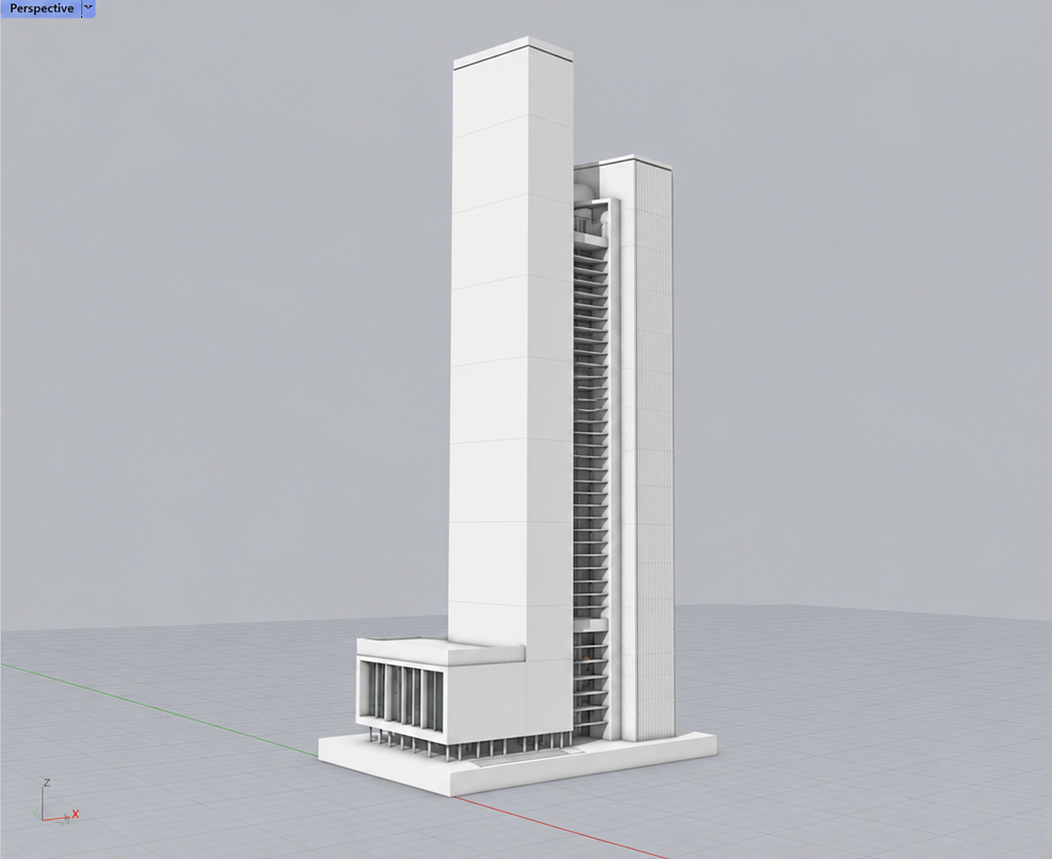
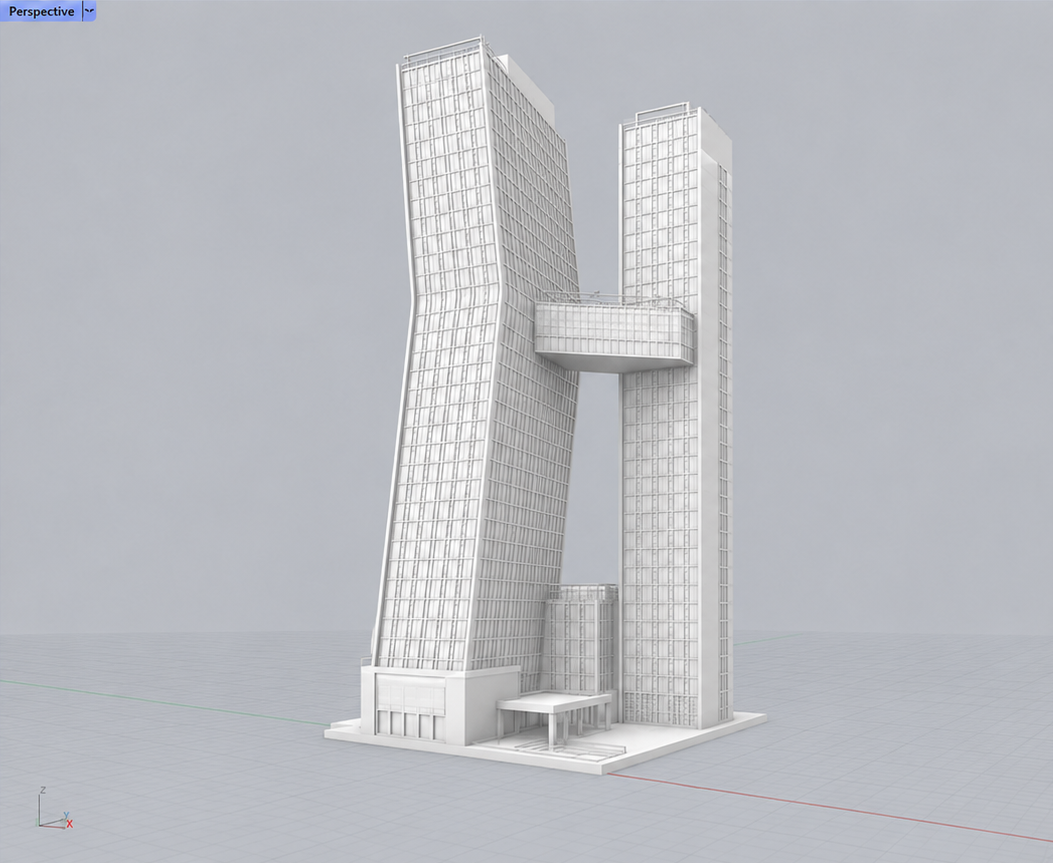
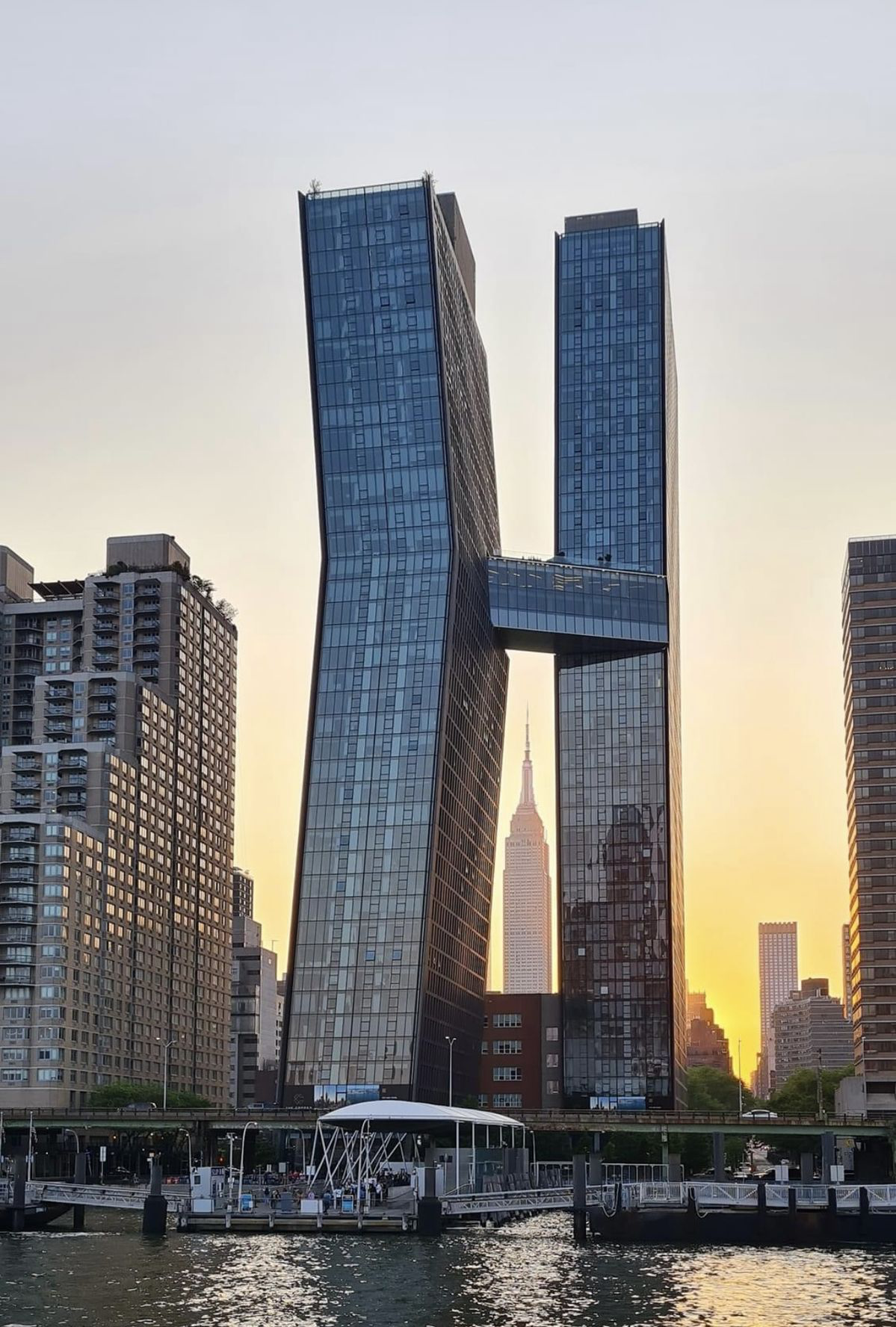
Point at any form, describe the change in plain language, and Treform rebuilds it in place. No re-modeling, no rework.
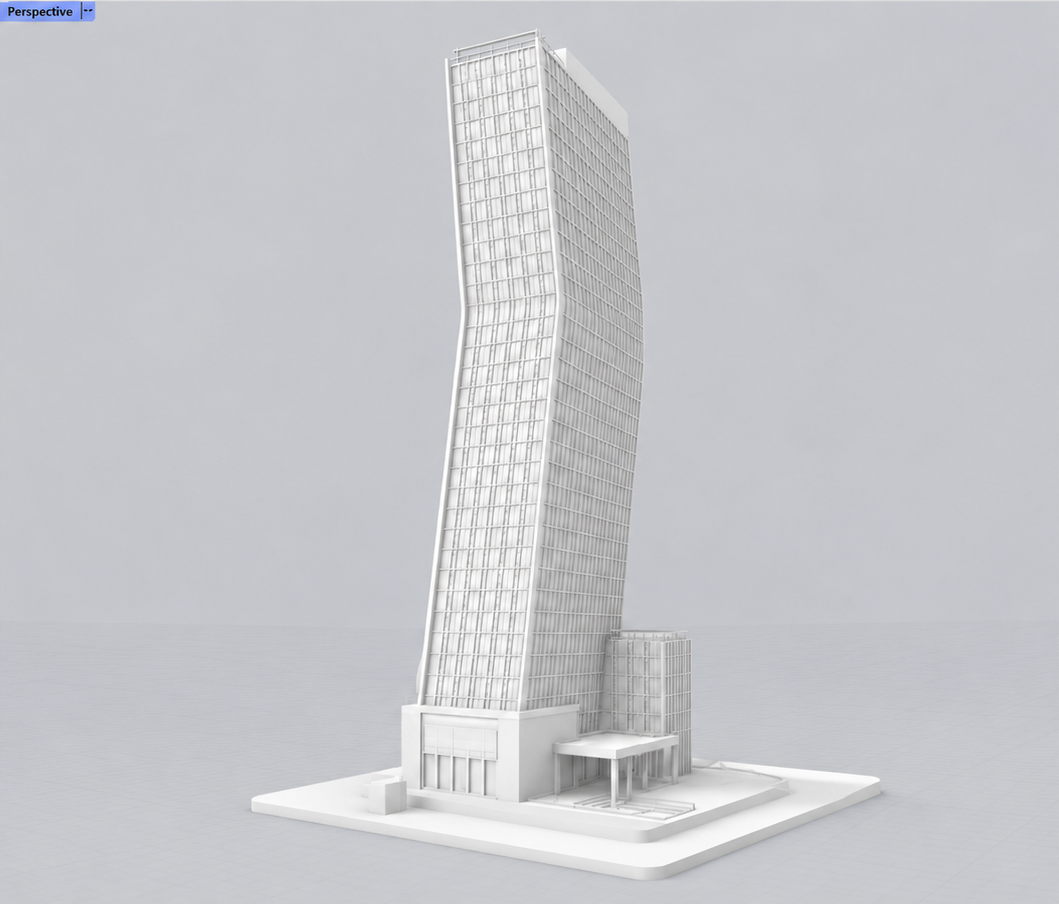
Add a second tower linked by a skybridge.
Plans, sections and elevations straight off the model. Real line work you can edit, dimension and issue, not a screenshot of a viewport.
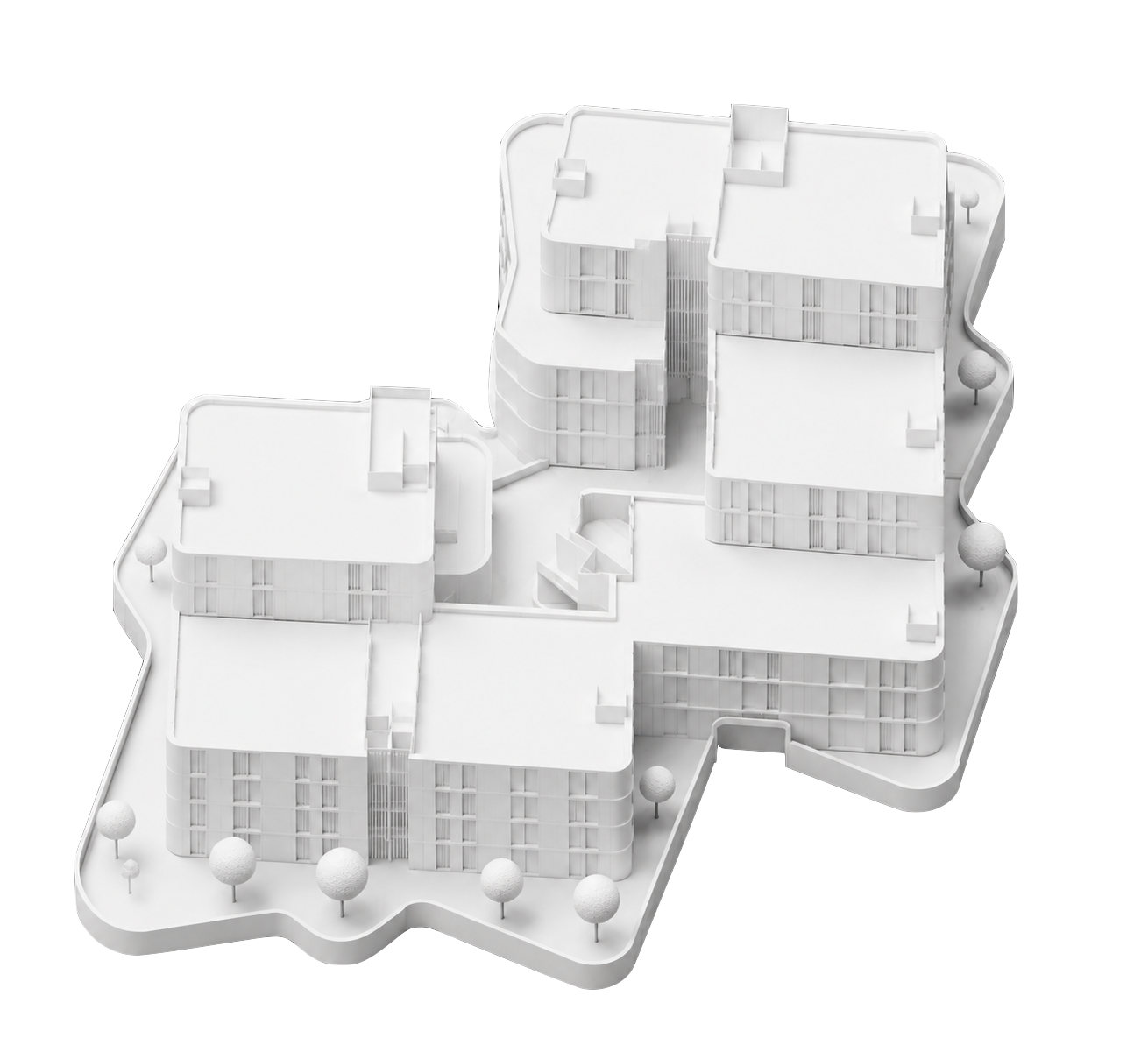
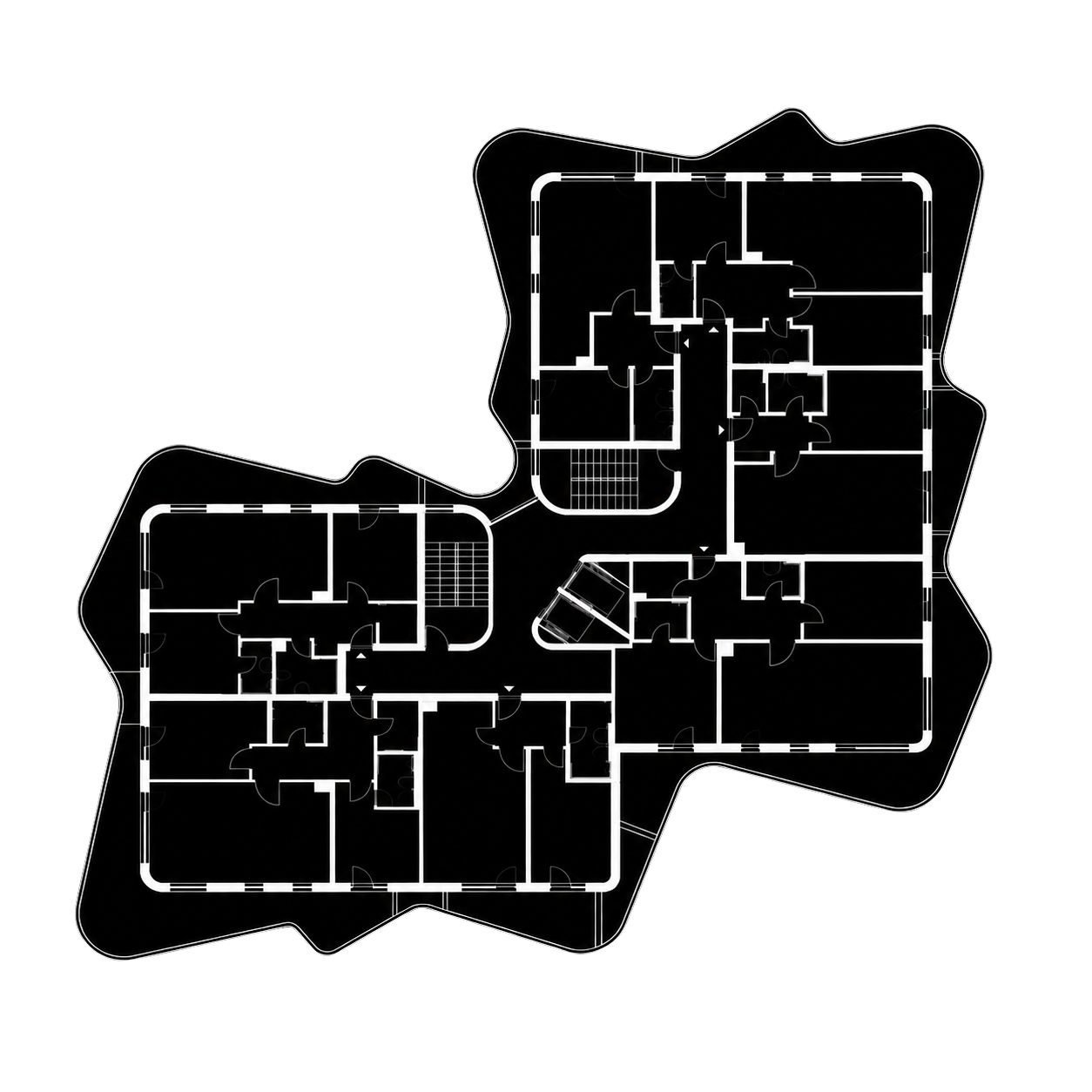
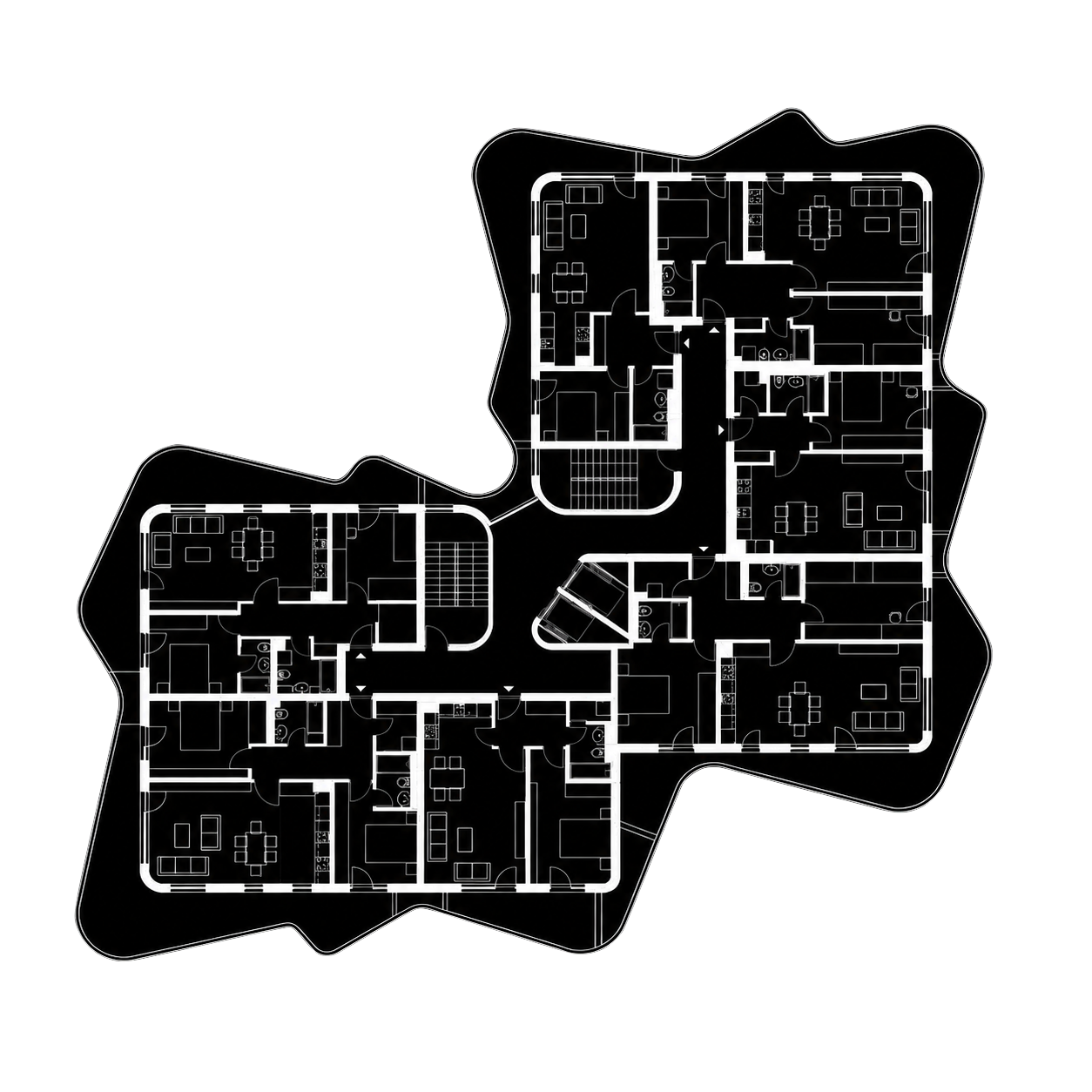
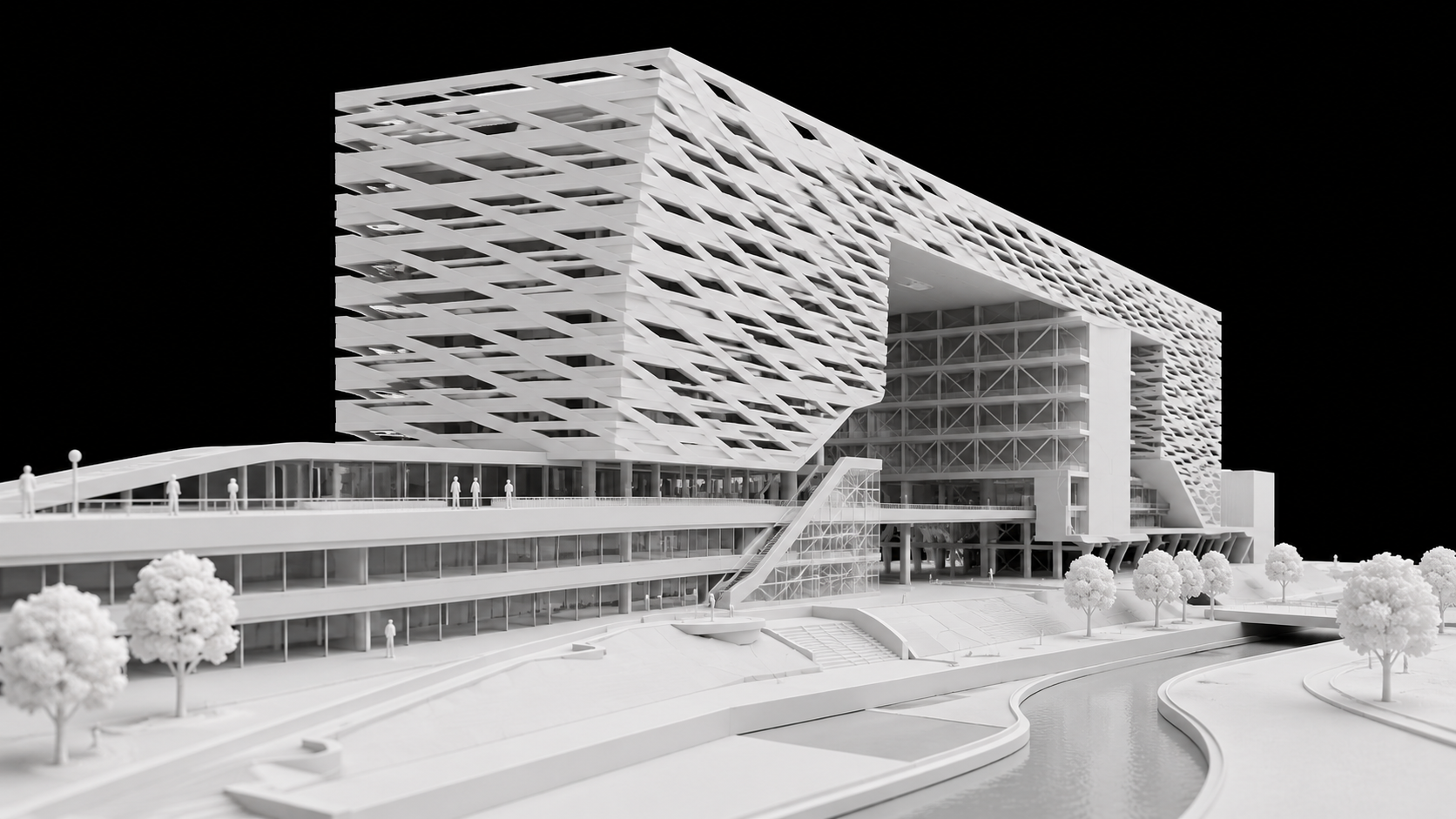
Treform takes your rough massing and layers in facade rhythm, structure, and detail, resolving the scheme without losing your intent.
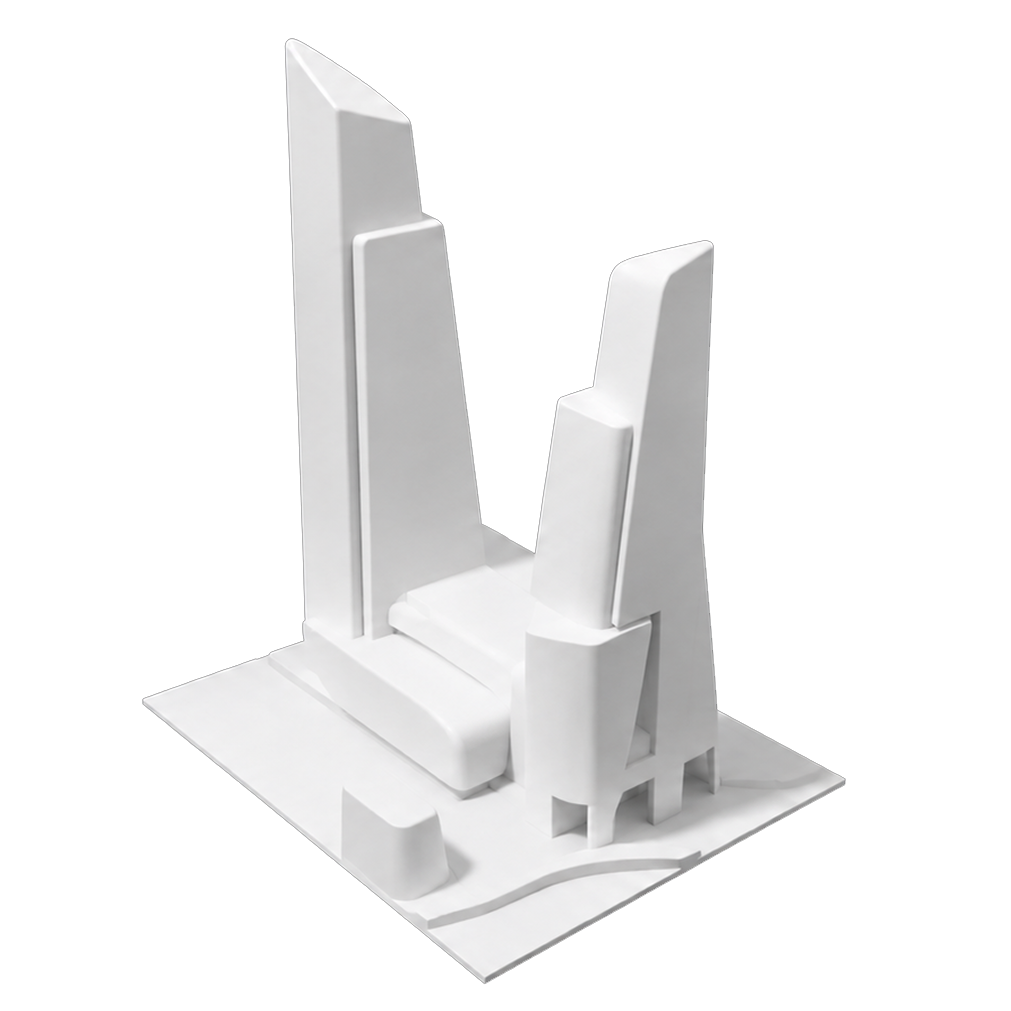
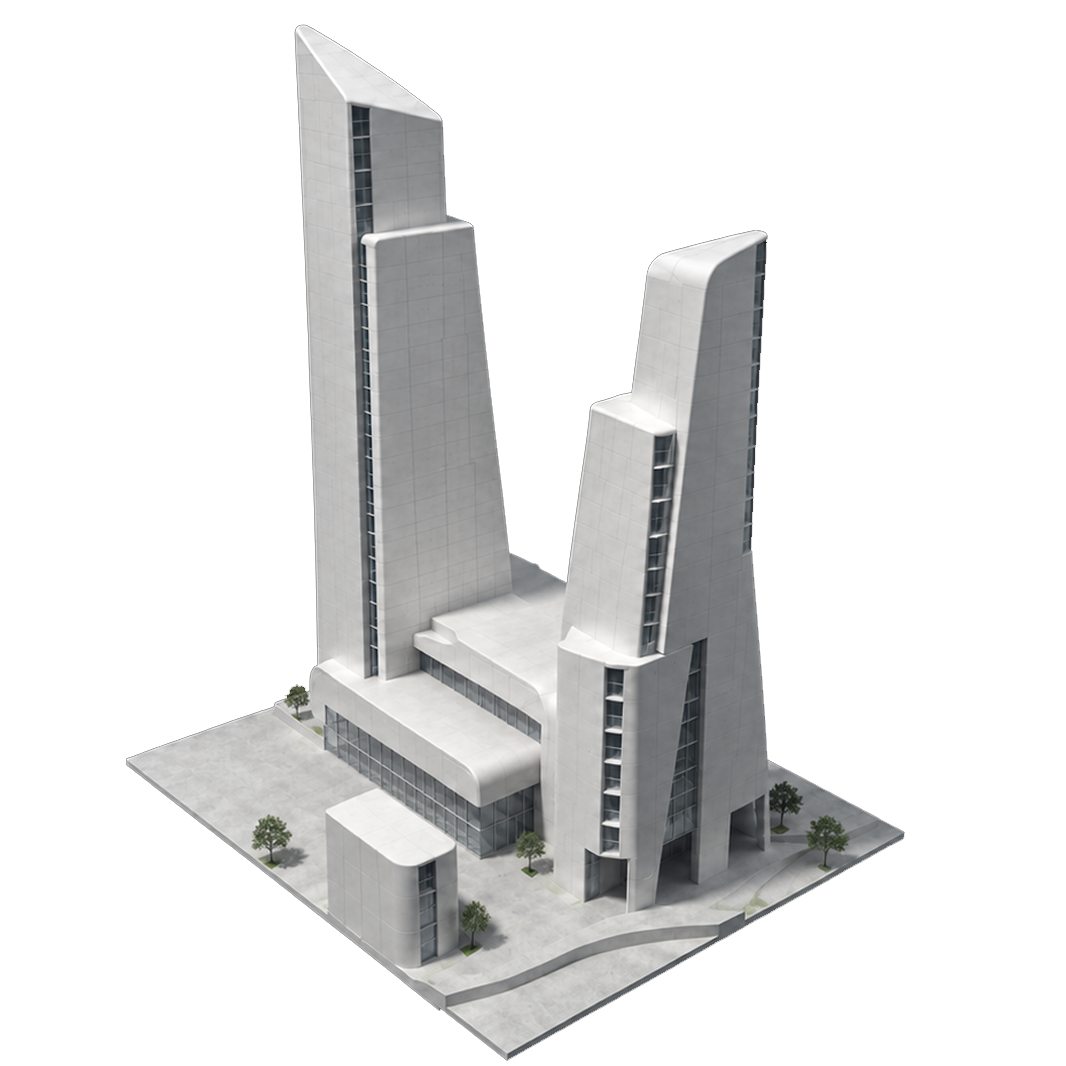
Off, Treform builds what you describe. On, it also knows why, reading your prompt against circulation, structure, daylight and code before it commits a single surface.
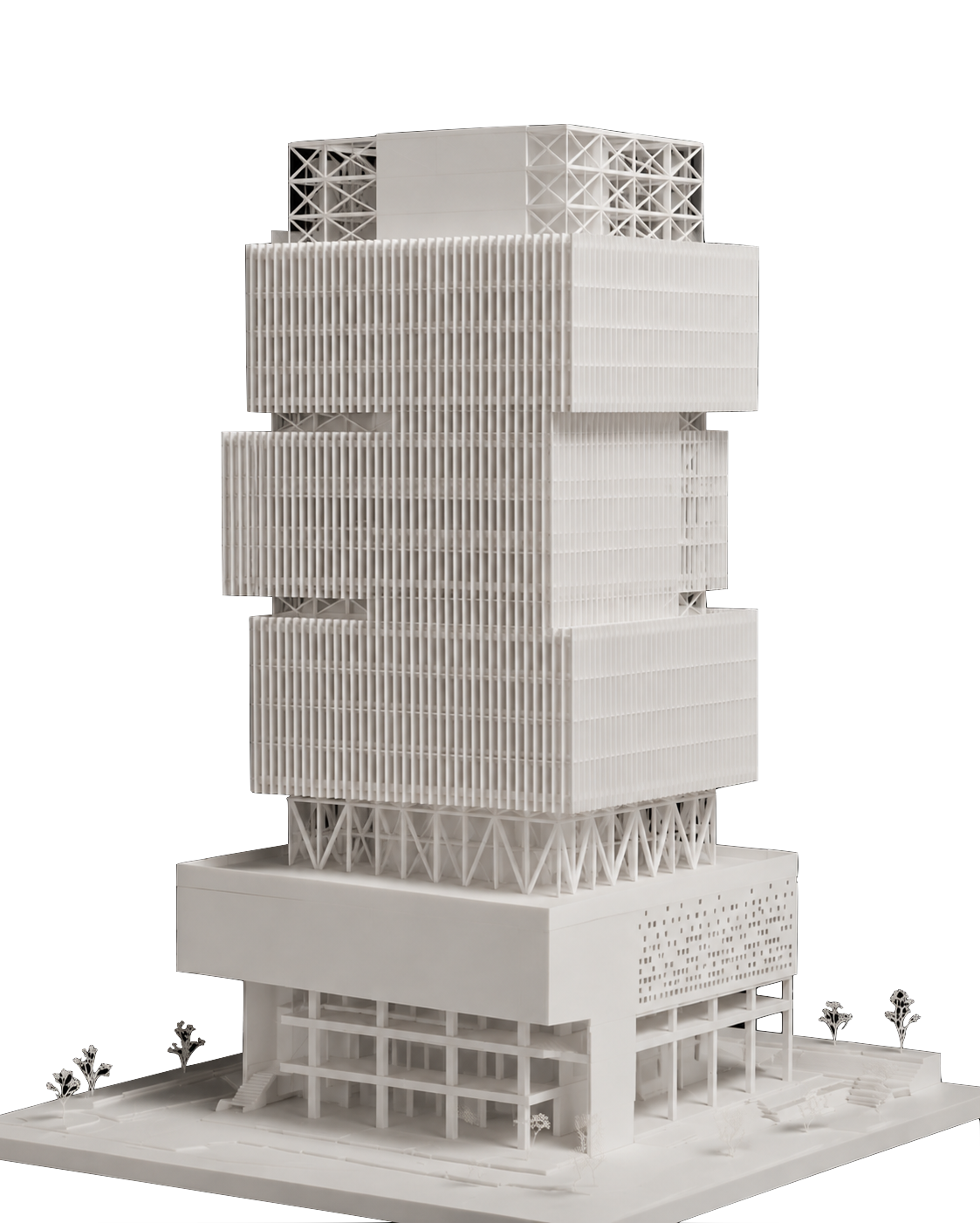
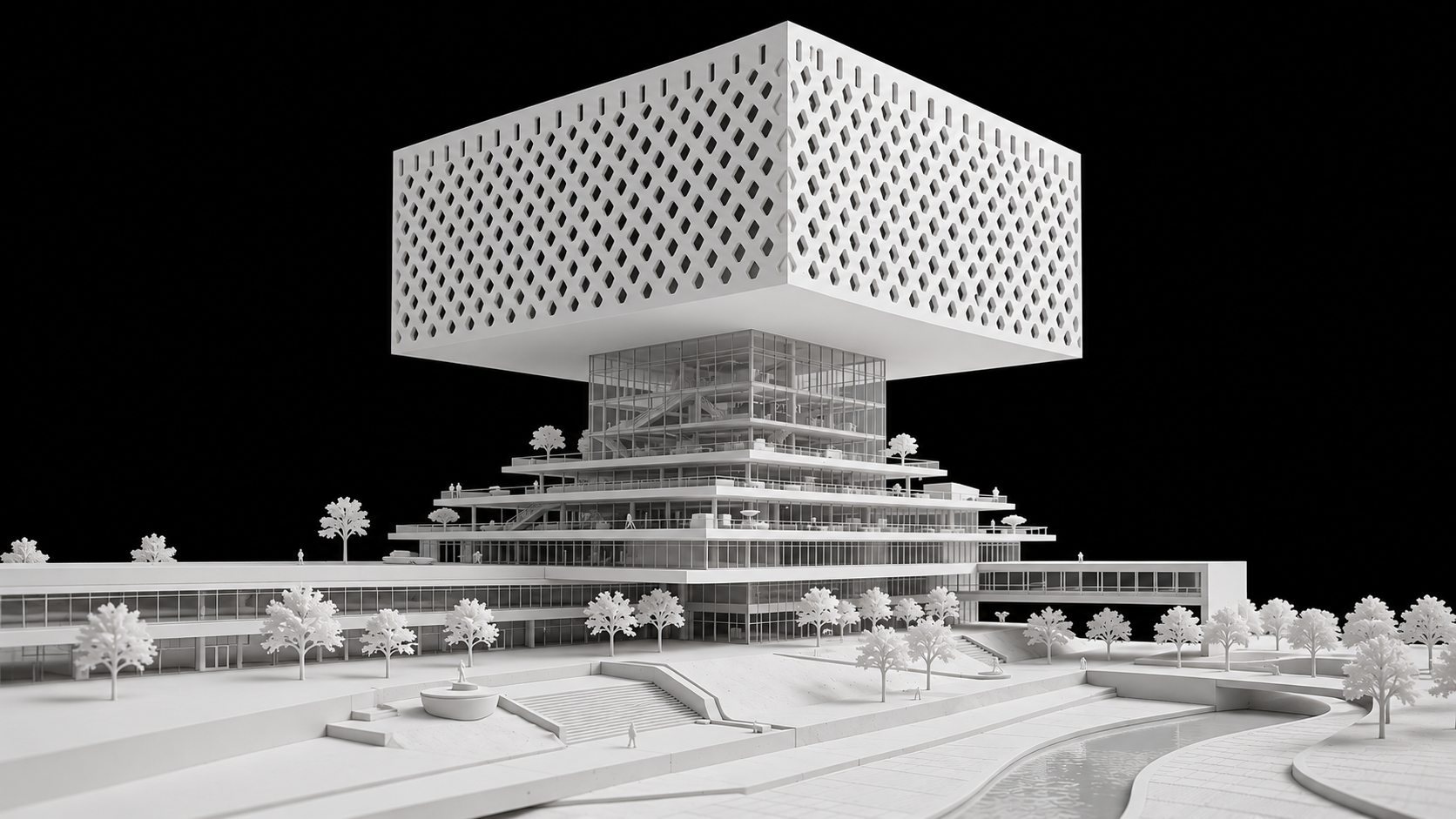
A massing that reads well and builds badly. The facade is resolved and nothing behind it is. No structural bay, no core, no floor-to-floor, no riser, no plant. Ask what spans the atrium, where the ducts run or how anyone gets out in a fire, and there is no answer. It is a shape that still has to become a building.
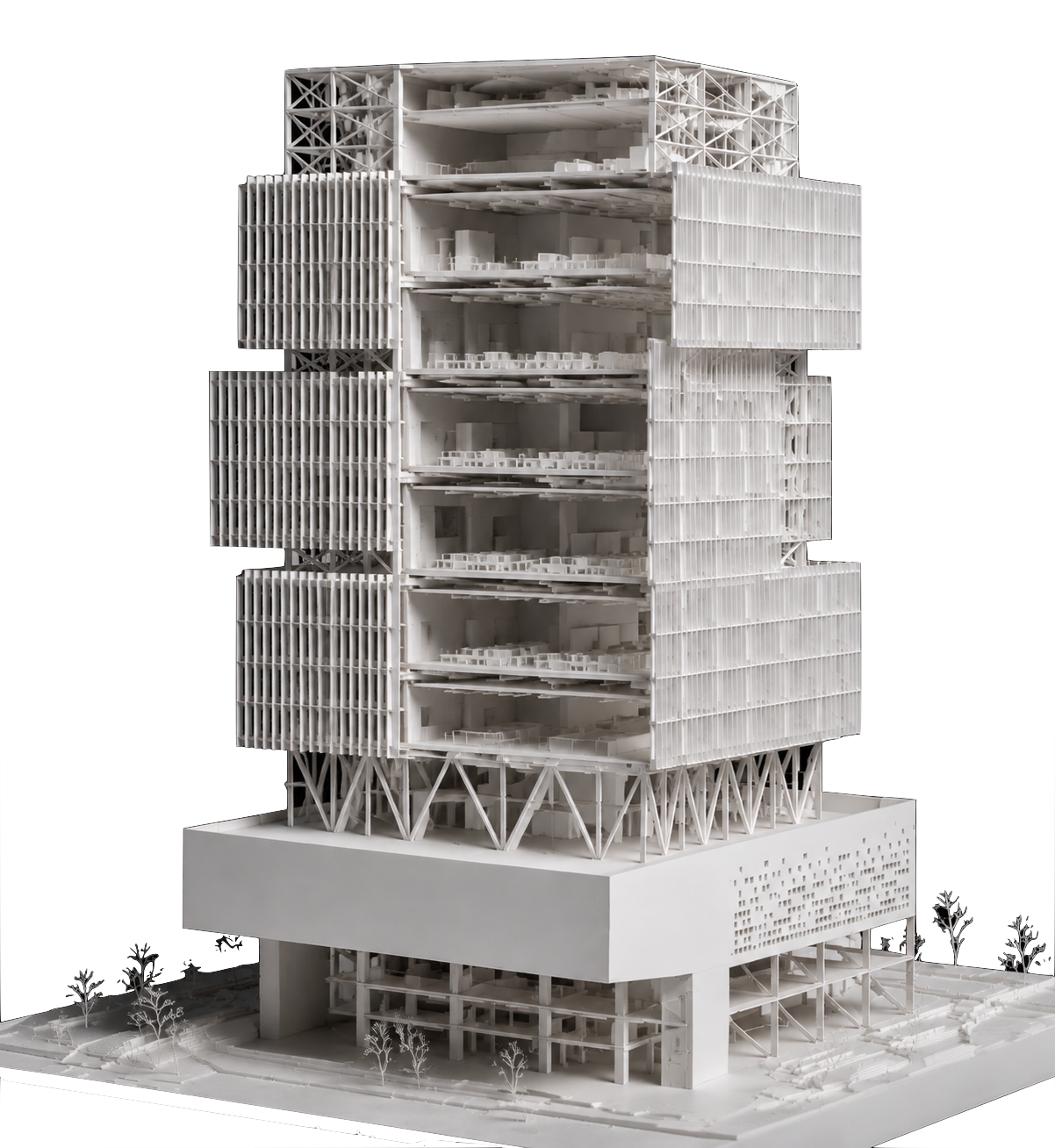
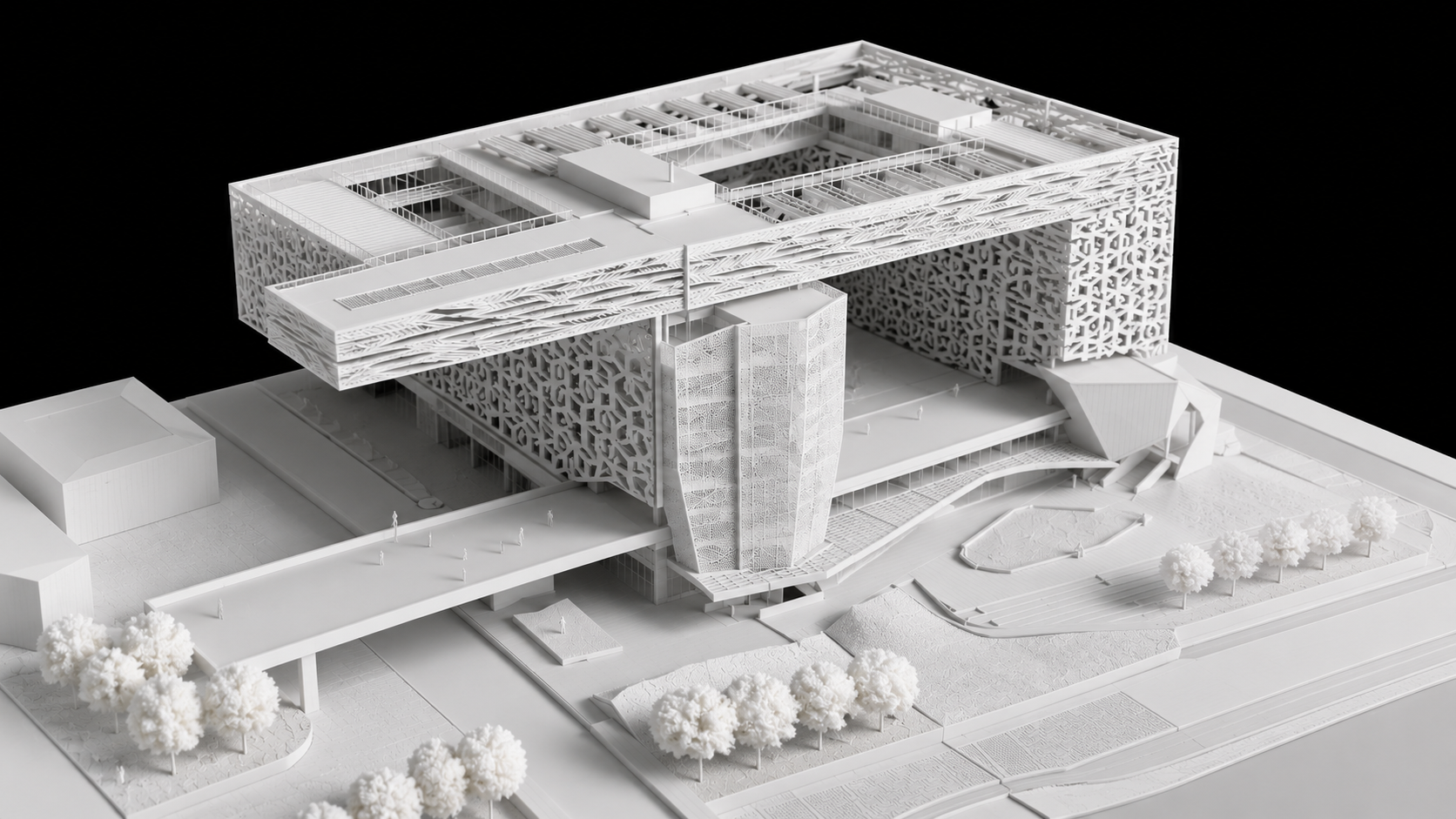
The same brief, resolved as a building. An 8.4 m structural grid with 16.8 m transfer trusses where the volume steps out. 4.2 m floor-to-floor leaves 2.7 m clear under a 750 mm services zone, with risers stacked in the north core beside two scissor stairs. The facade is a unitised system on a 1.5 m module with fins at 300 mm centres.
Push geometry between the tools you already use. Every layer, group, and family stays in sync.
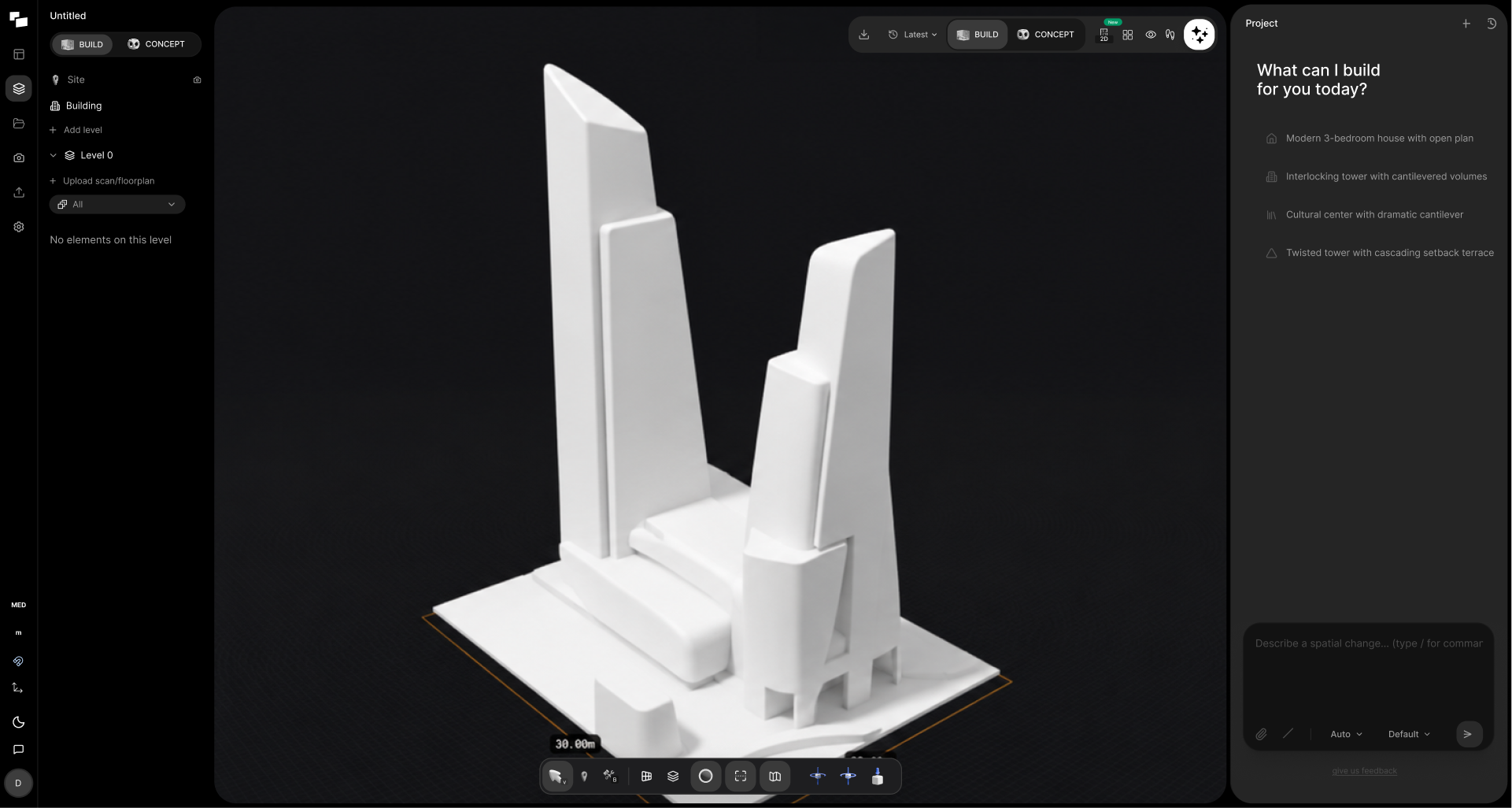
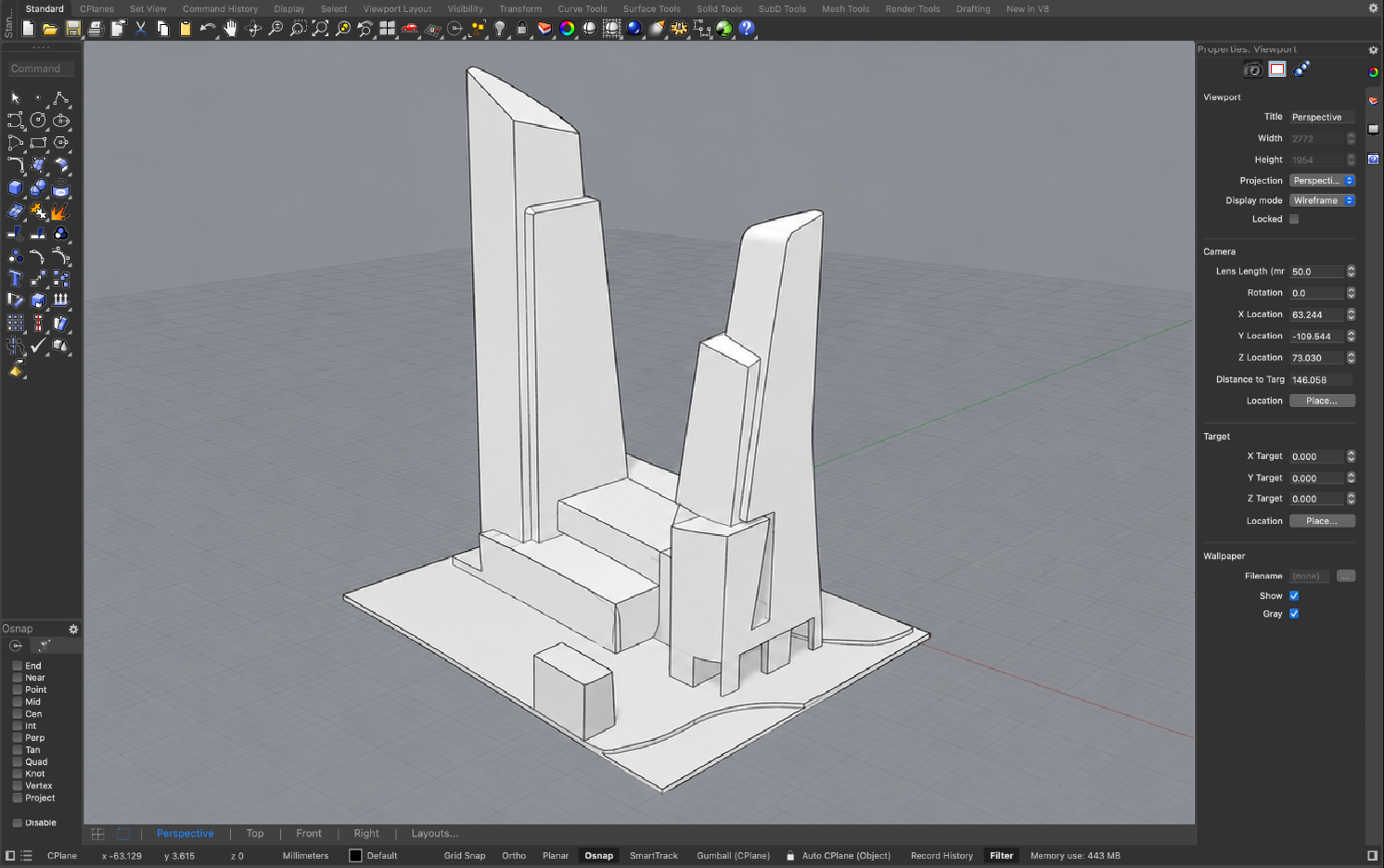
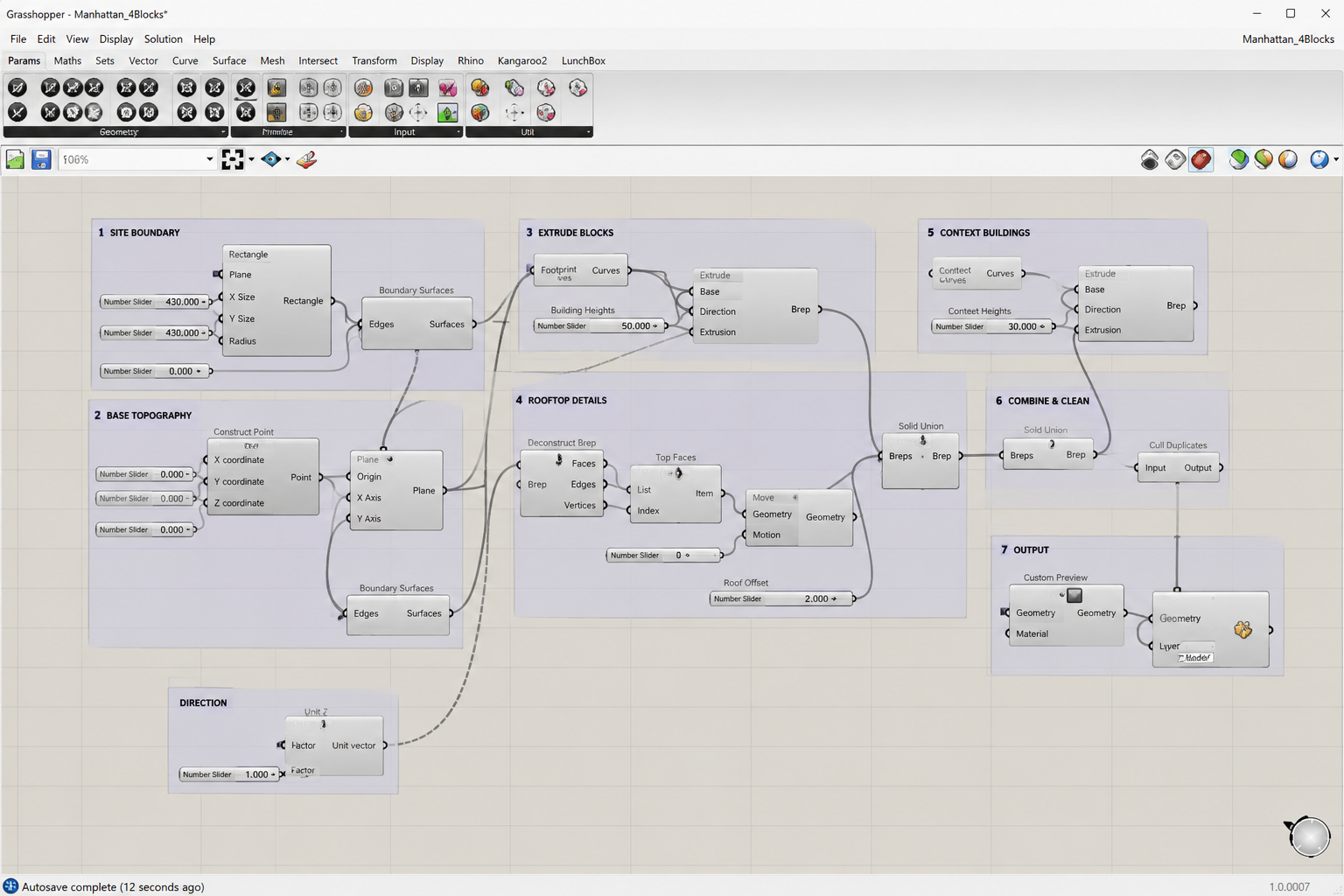
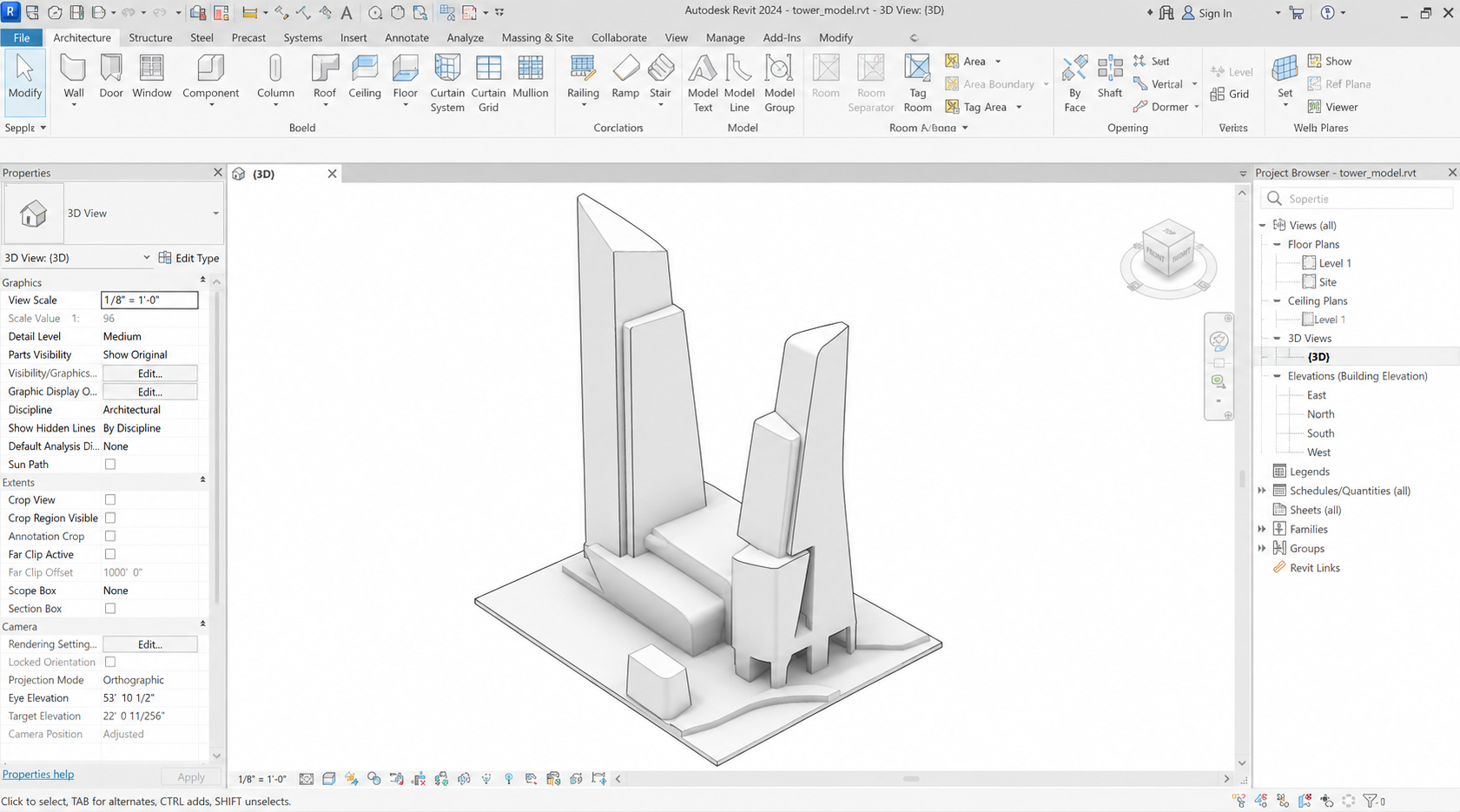
Switch between photoreal, schematic, illustrative and beyond, without re-modeling, re-exporting, or re-rendering elsewhere.
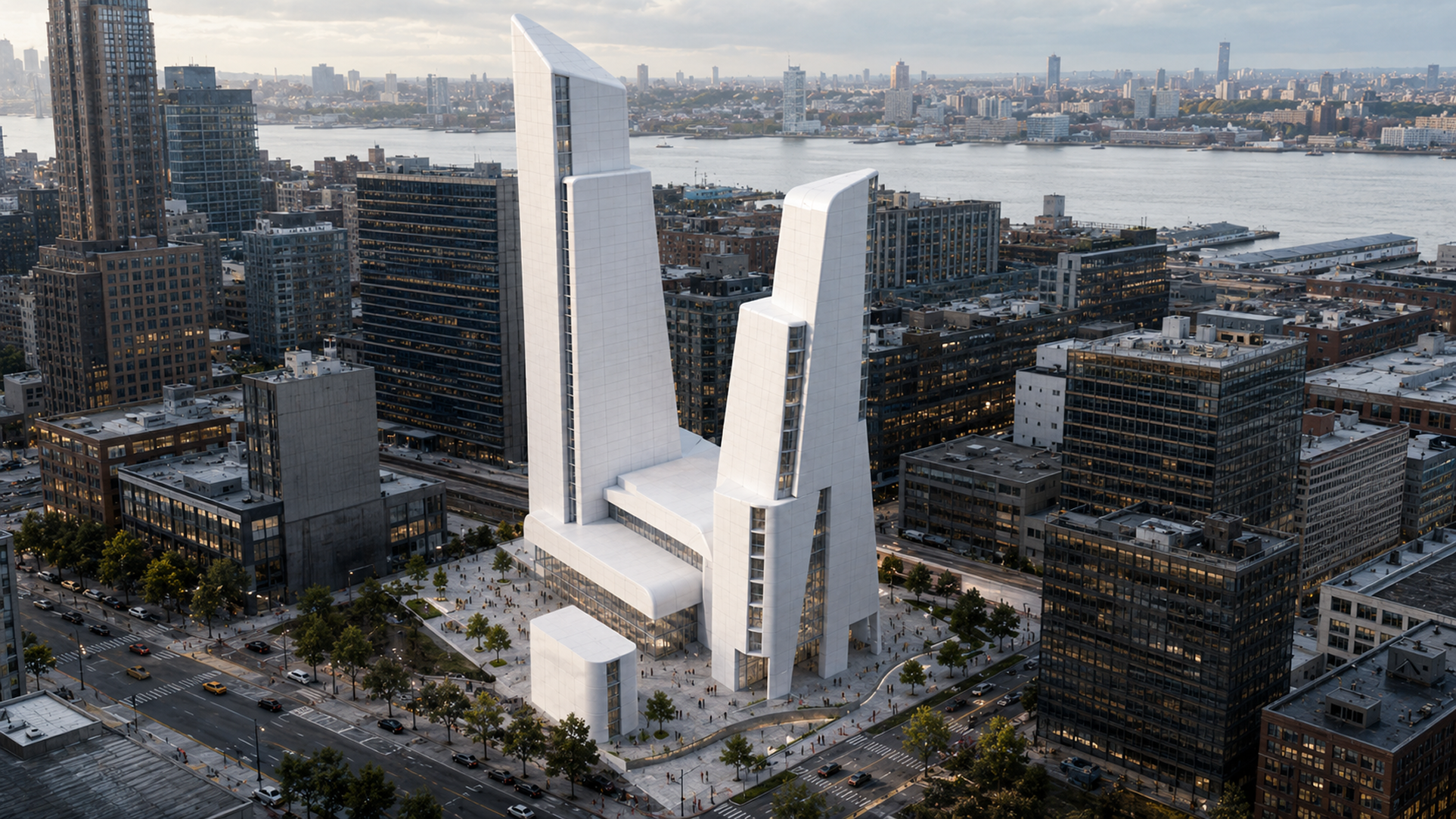 Photoreal · Dusk
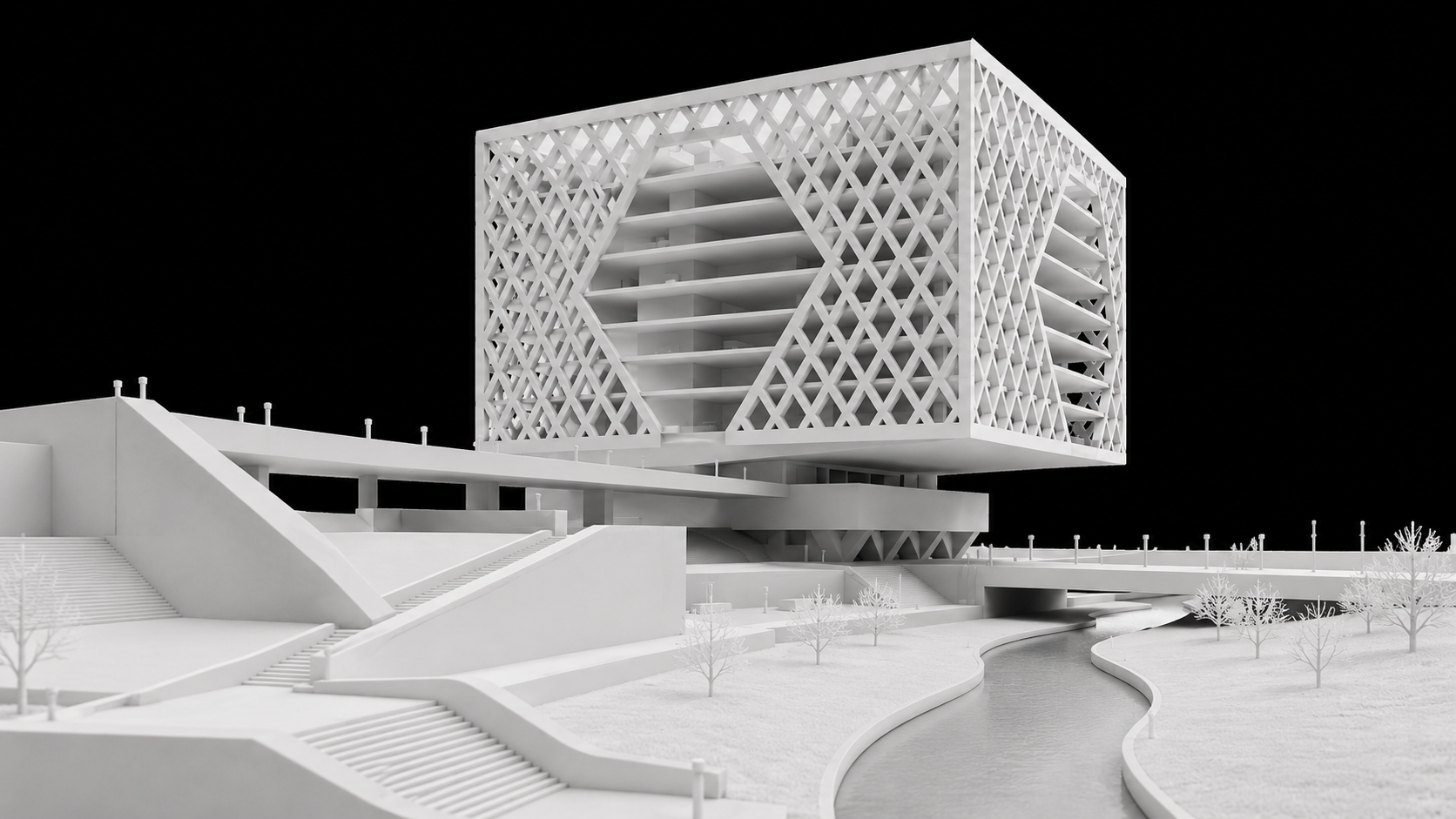
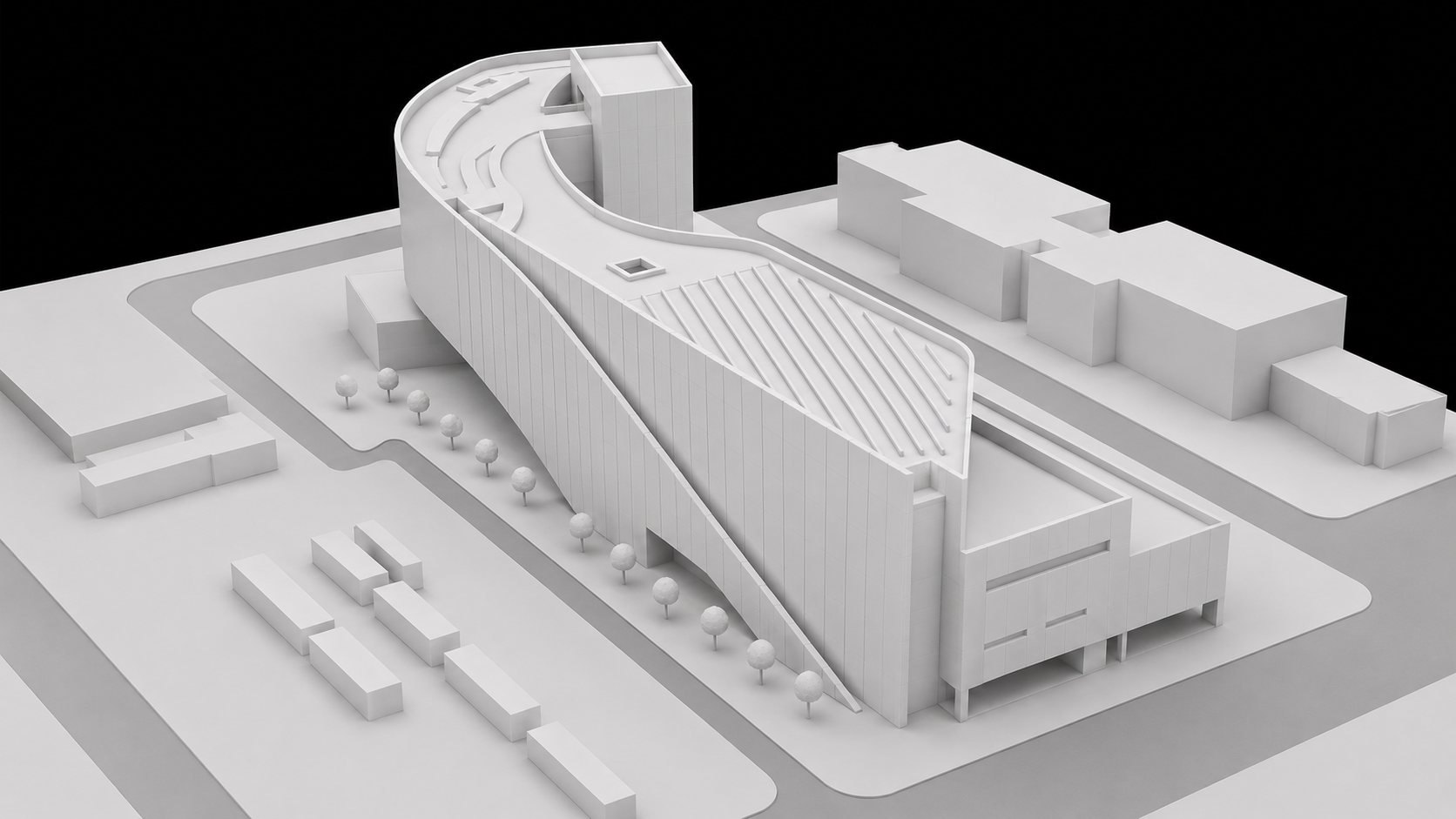
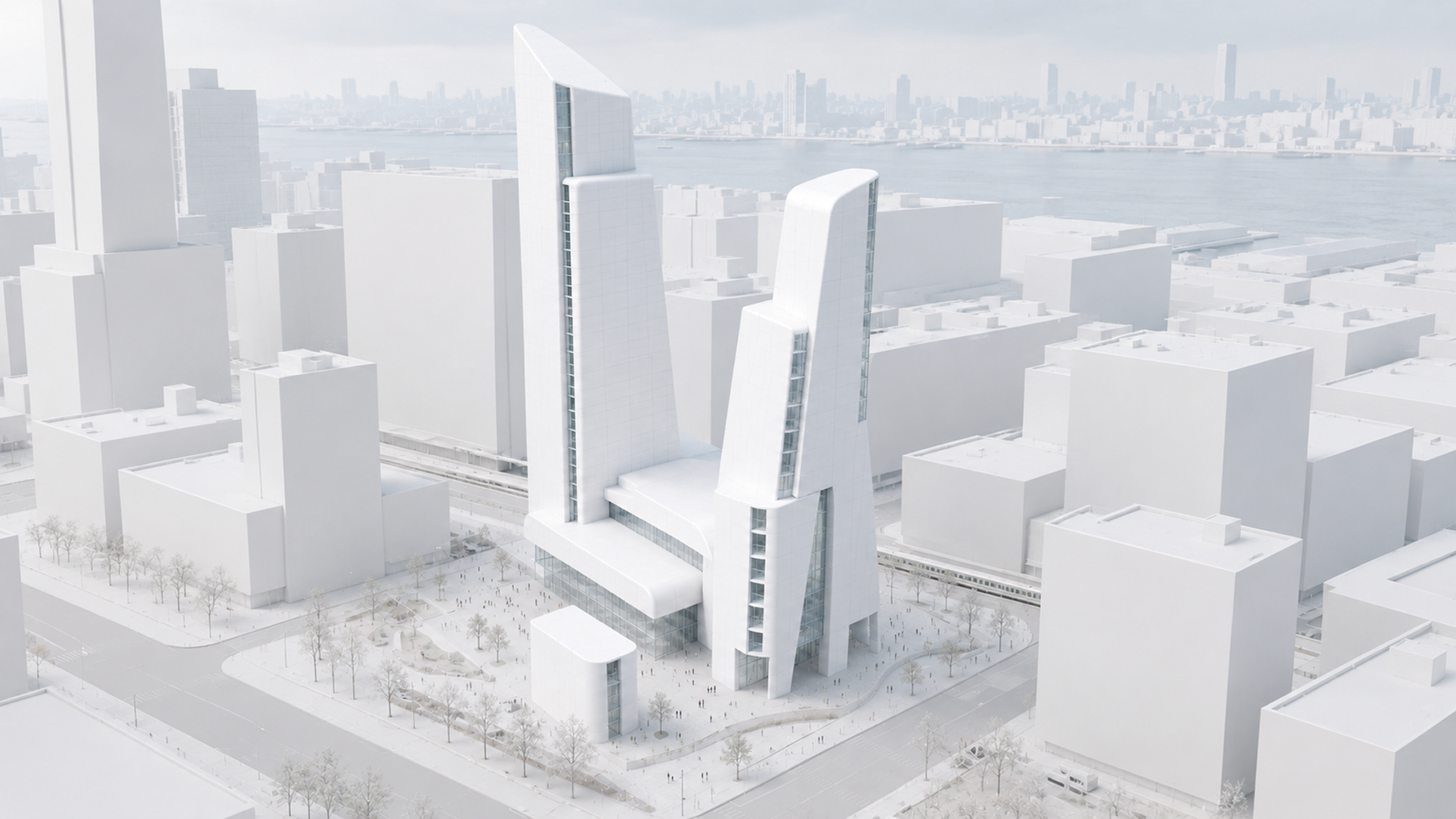 White massing
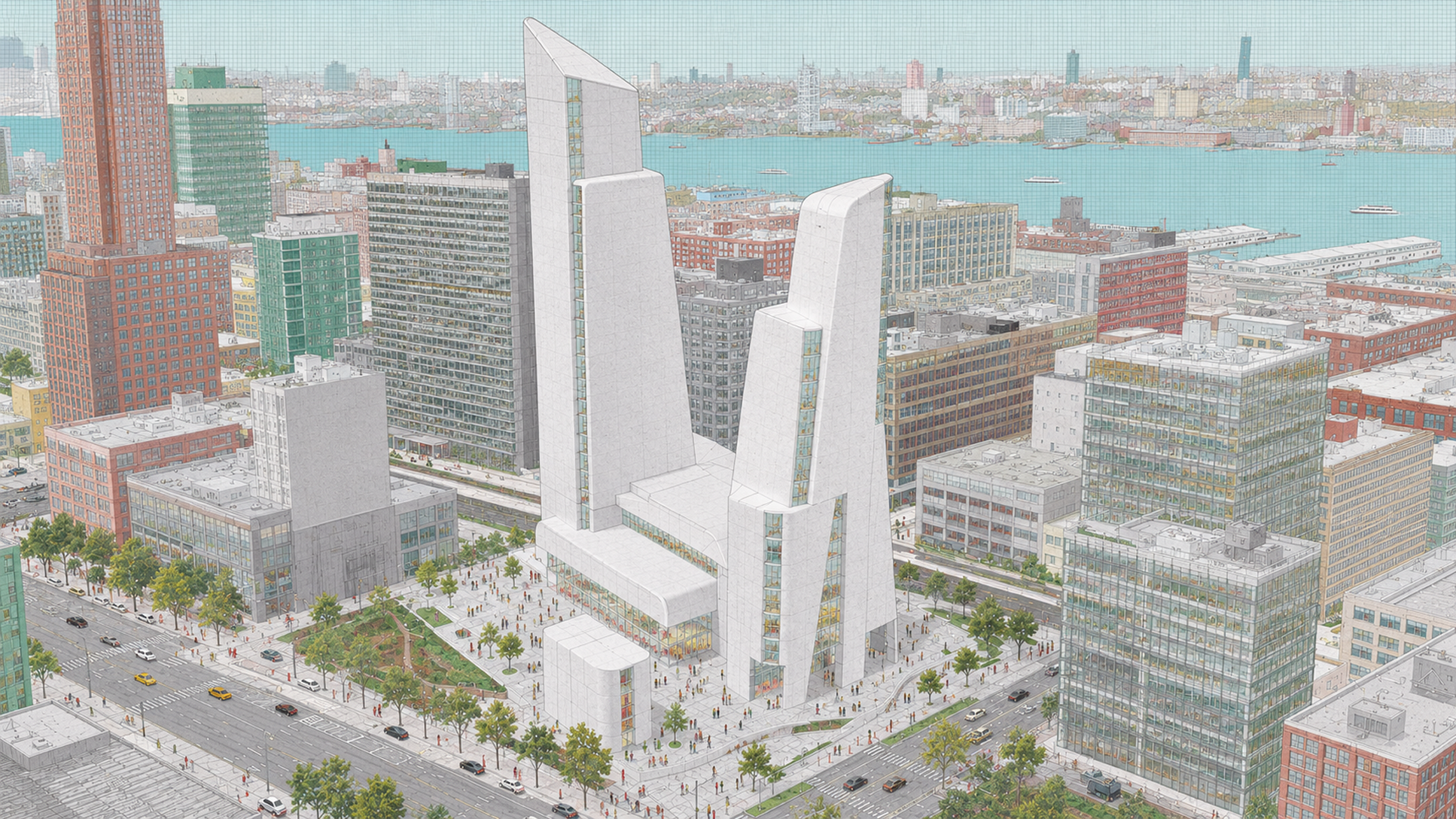 Watercolor
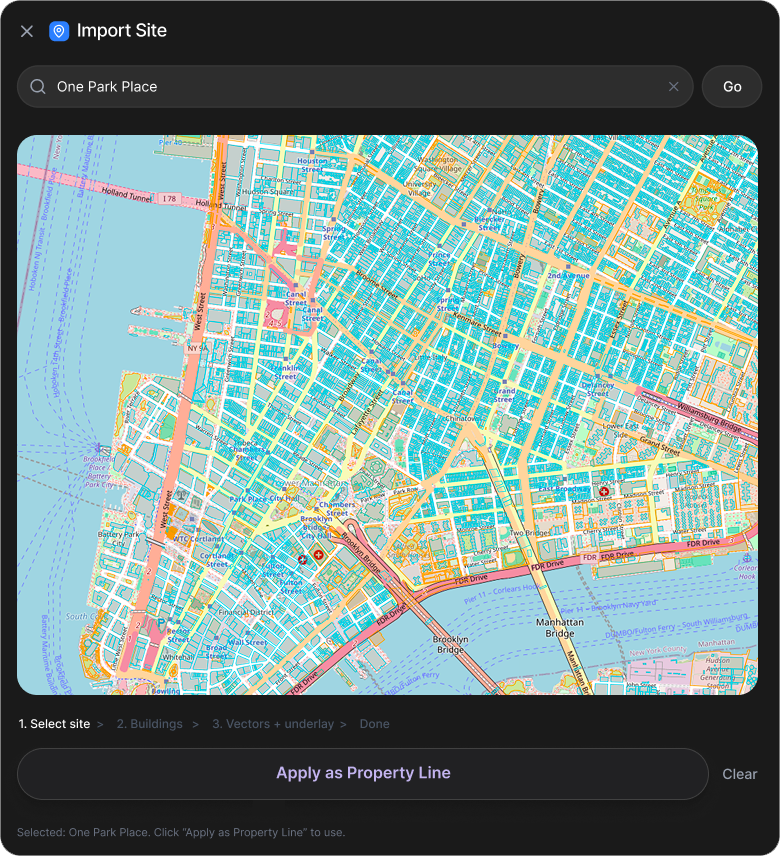
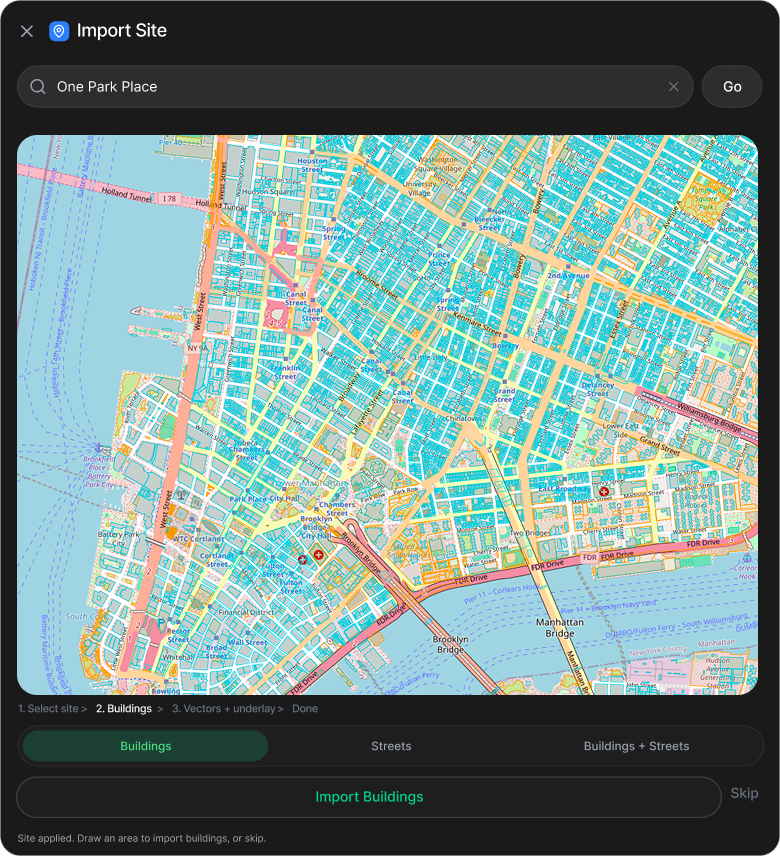
Search an address, mark the property line, pick the surrounding buildings. Treform pulls in satellite imagery, terrain, and context as native geometry in seconds.
Book a 30 minute call. We sort out pricing, seats and billing, and set your team up with you.
Everything about vibe modeling on Treform: how it works, what you get, and how your designs stay yours.
Talk to the teamFloating panel that works alongside Rhino, Grasshopper, SketchUp, Revit, and Blender.
For Rhino you need Rhino 8 SR29 or later. Signed and notarized, so it opens like any other app.
Install Treform Desktop, then sign in to activate your plan. Everything happens right inside the app.
Treform Desktop is a Mac & Windows app, and the installer won't run on a phone or an in-app browser. Open treform.ai/download on your Mac or PC to install it.
Calls are for studios and firms. Pick the size closest to yours.
Treform is self-serve for teams under 5. Pick a plan and you're modeling in minutes. No setup call needed.
Still want to talk? zilin@treform.ai ·